Lumina Edututoring and training WordPress theme
Visitors finish one sentence — what, level, how, when — and see the programs that fit on a departure board, with the next start, beside your own registration.
- 1 site per purchase
- 6 months of support, replies within 48 hours
- 12 months of updates
- 14 days, no questions
- included in all-access
in the download
- Lumina Edu theme
- Child theme
- Lumina Edu Core plugin
- Demo importer
- Documentation
requires
- WordPress
- 7.1+
- PHP
- 7.4+
- Page builder
- none
GPL-2.0-or-later (code); design assets under the tailthemes.com license.
the signature
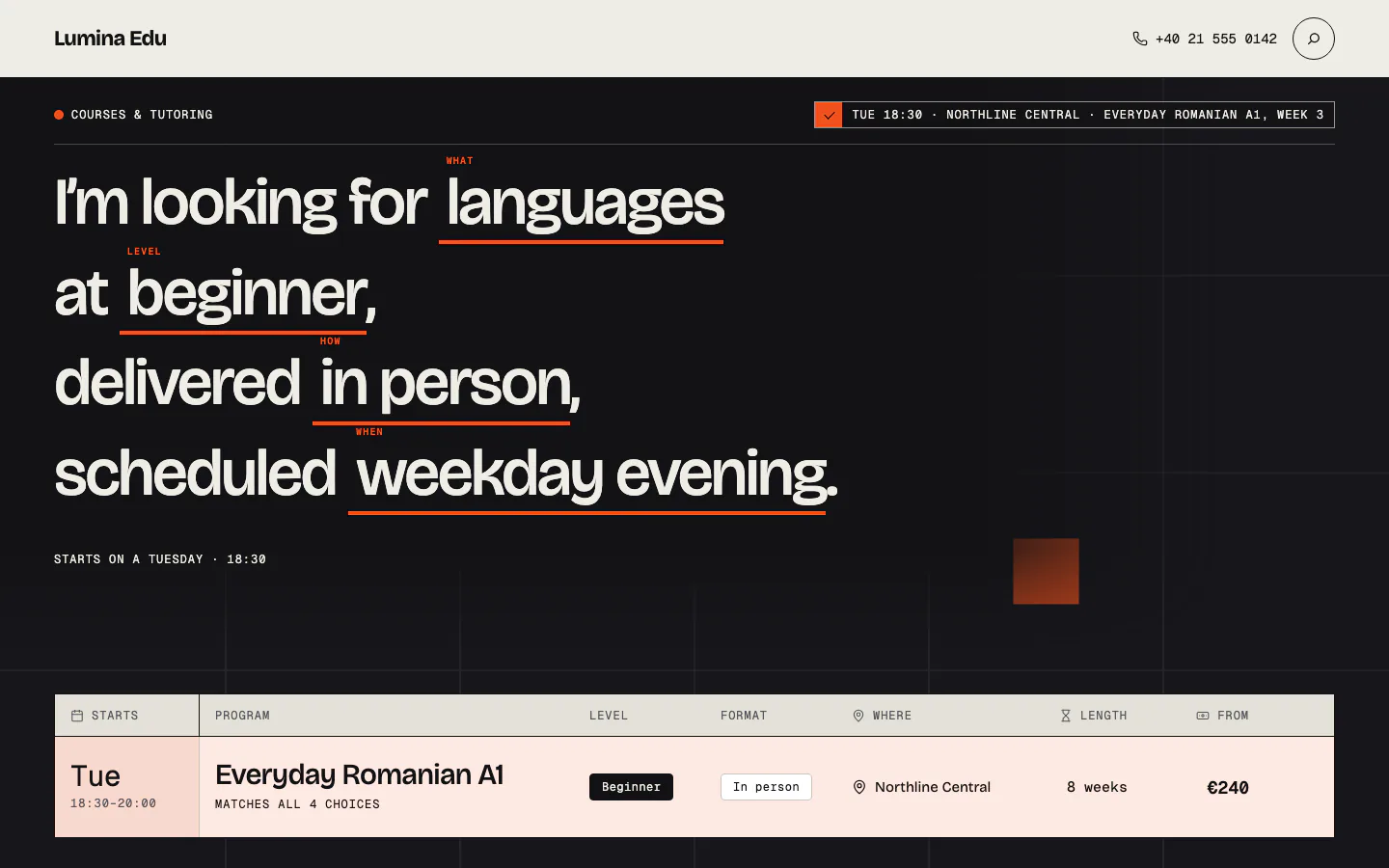
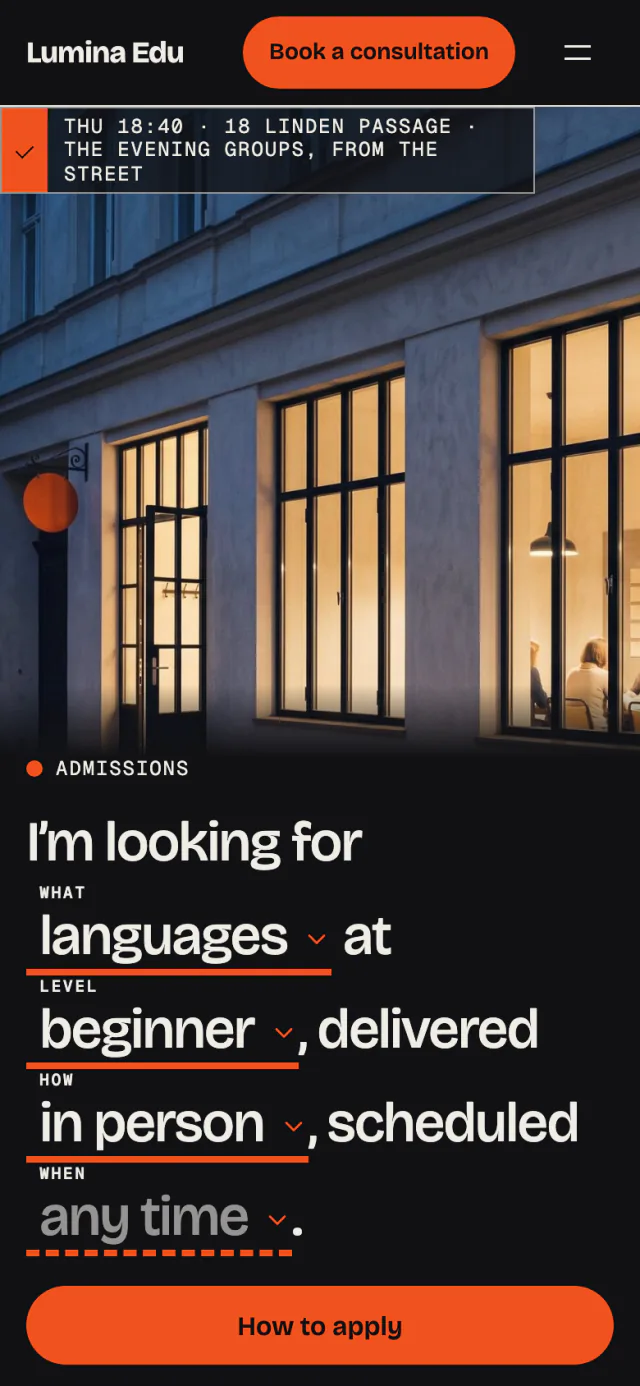
One sentence finds the program
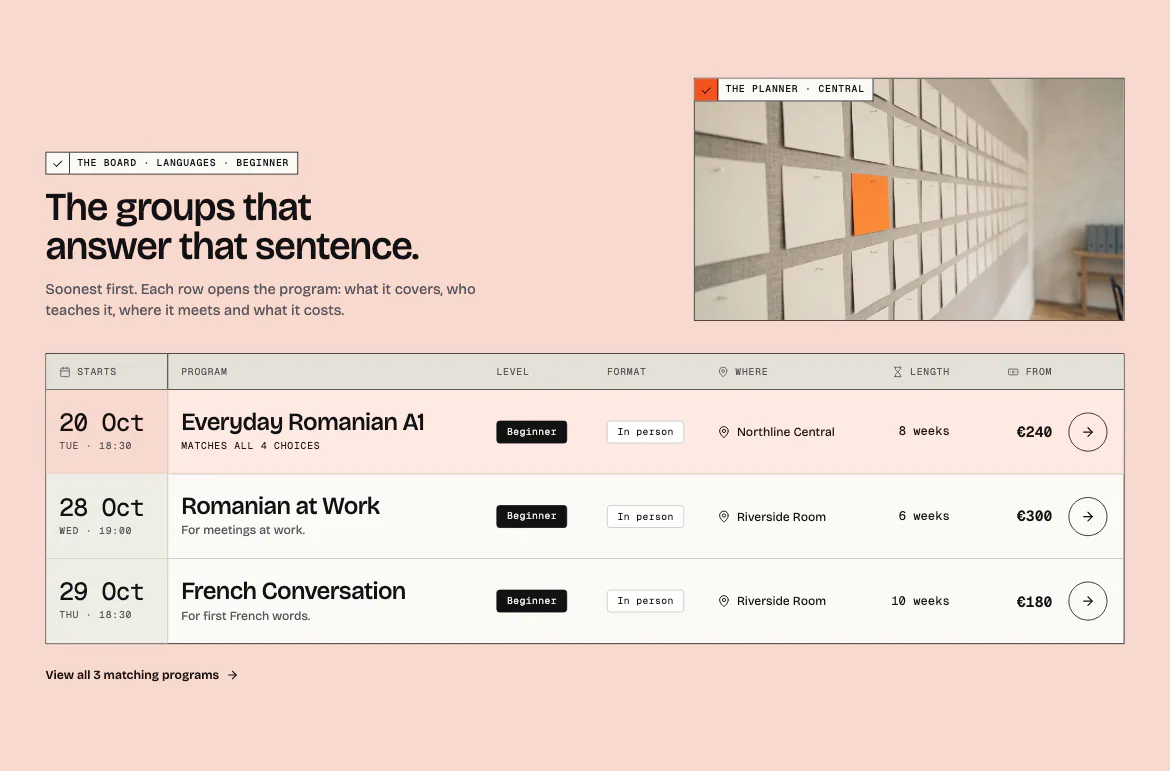
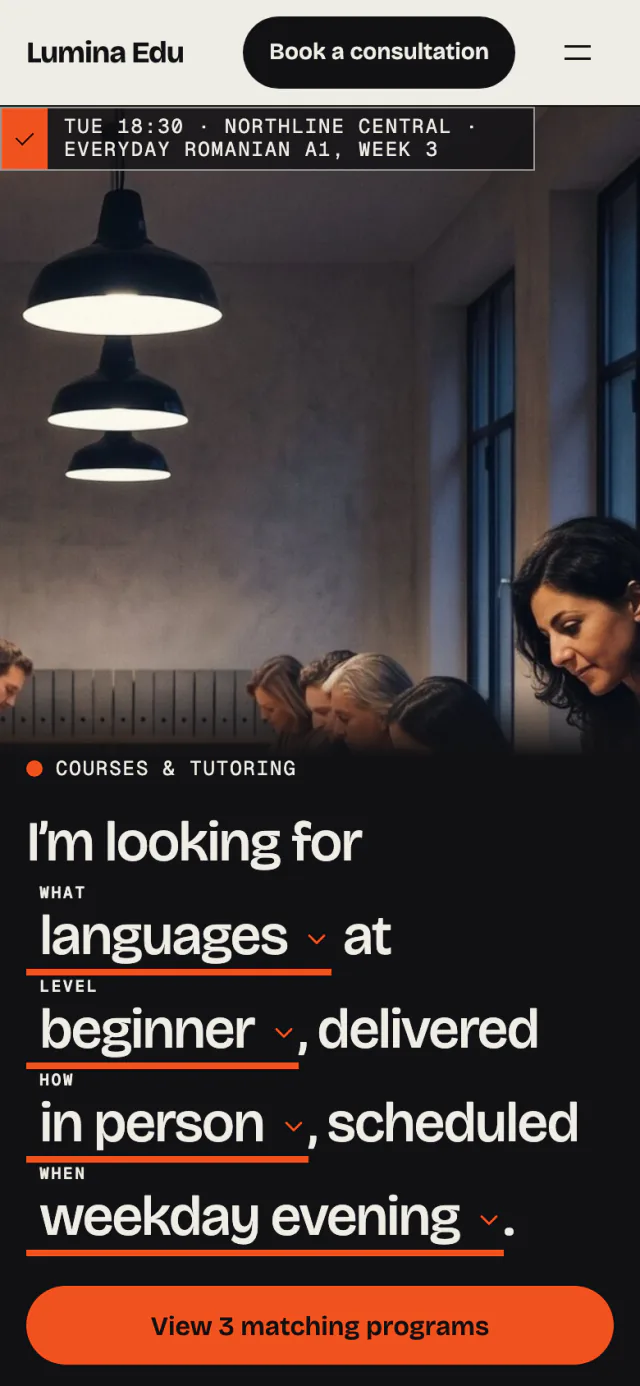
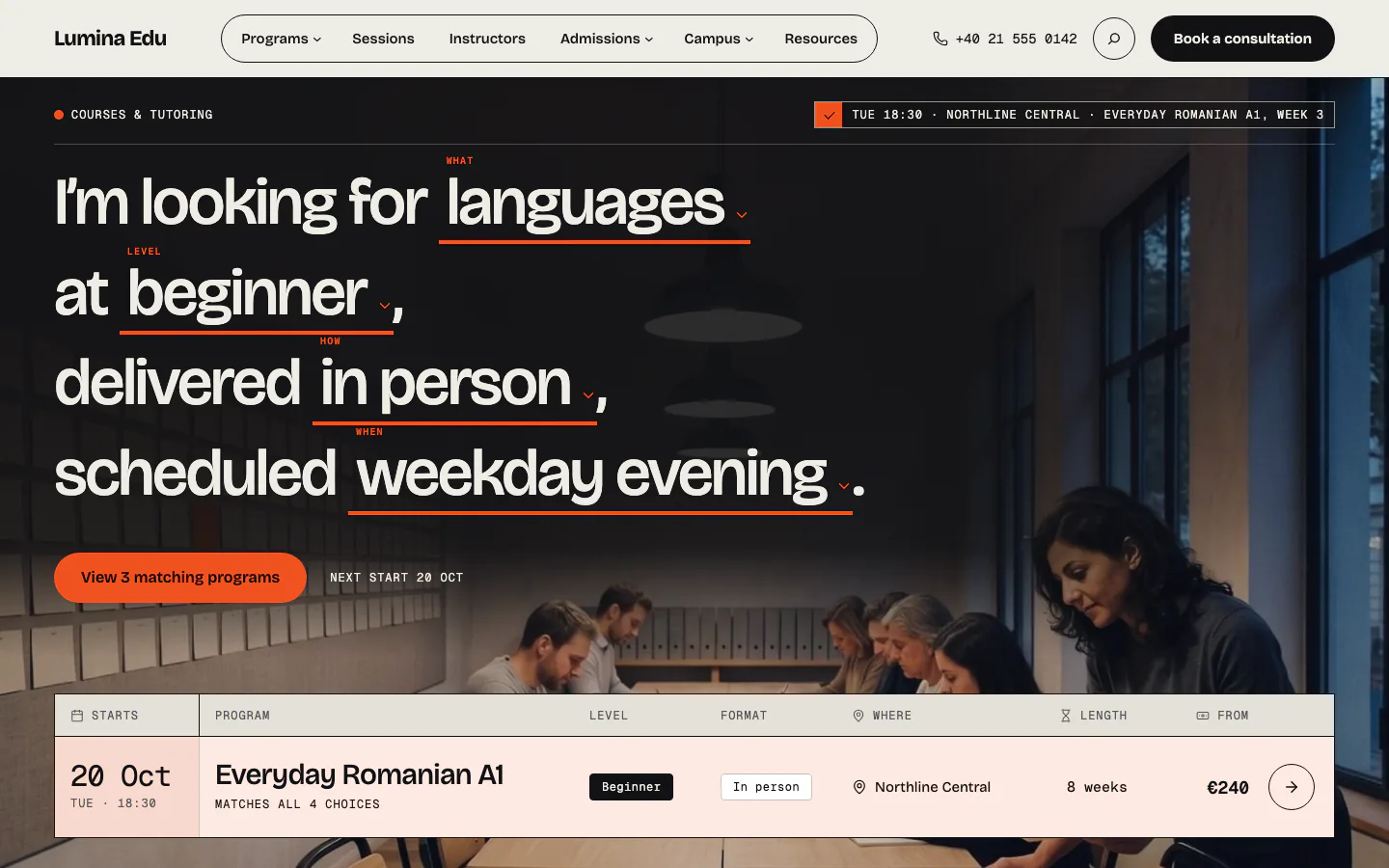
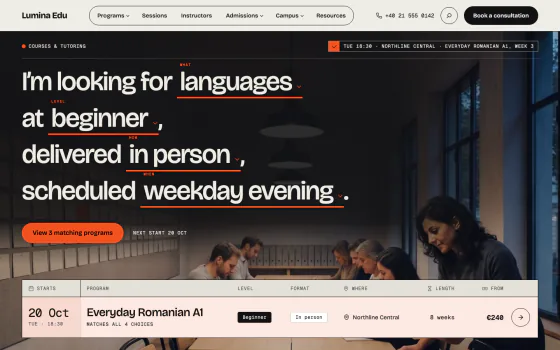
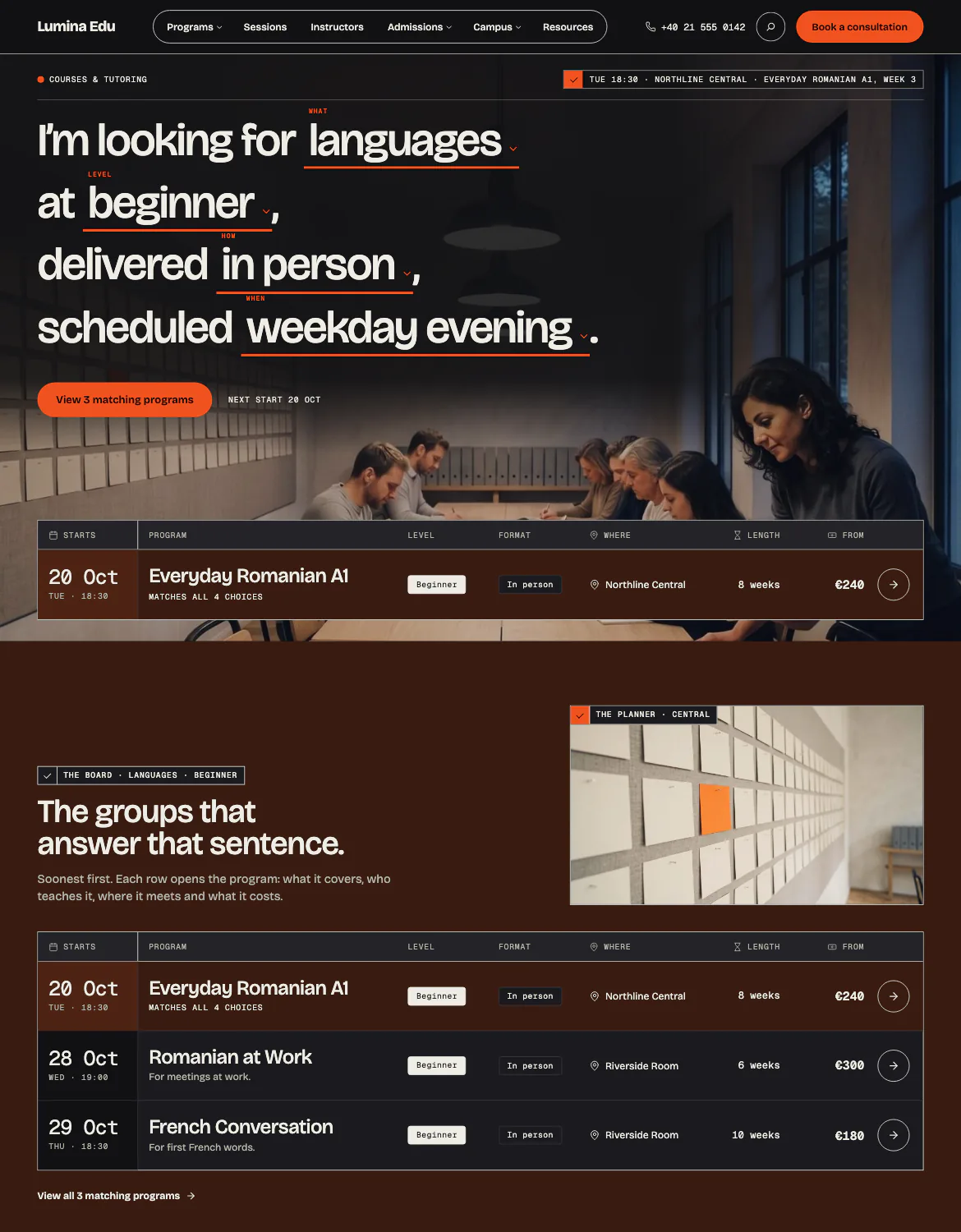
The home asks its question as a sentence of four choices: what, level, how and when. The answer is a shareable address and a departure board of every program that fits, with its next start.
- Each row shows the start, level, format, place, length and price
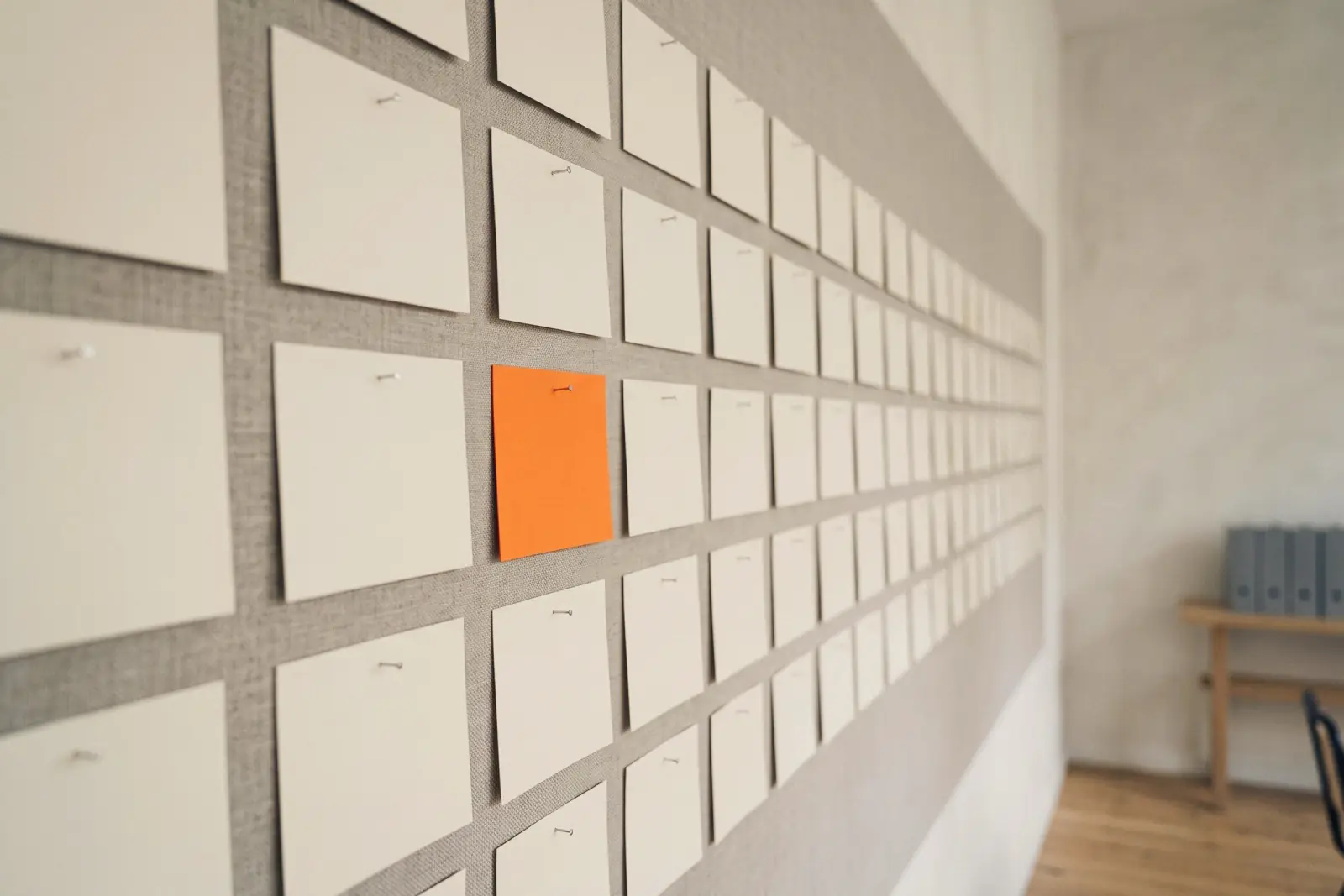
- The best fit is pinned on the photograph's lower edge
three homes
Three home pages on one demo
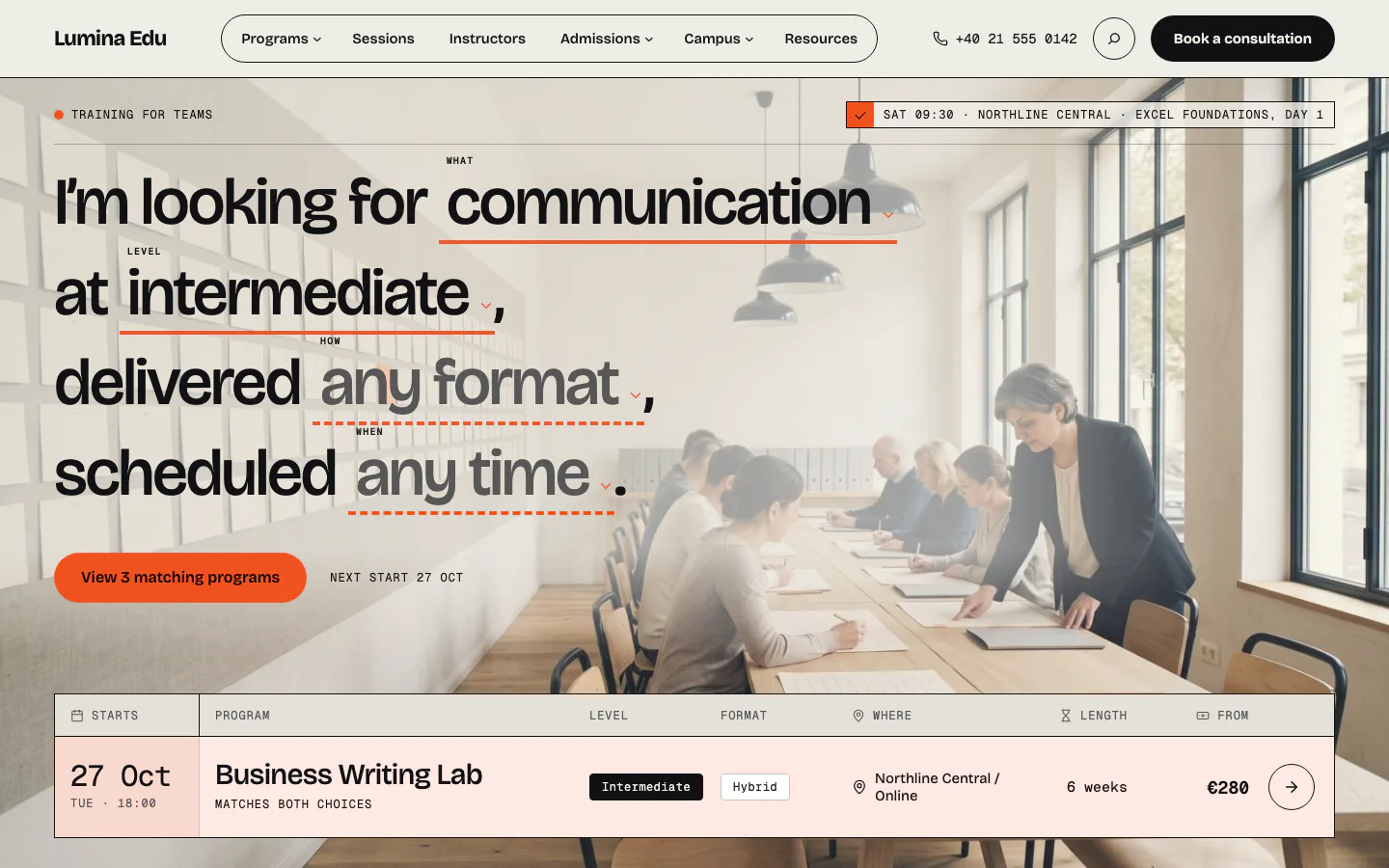
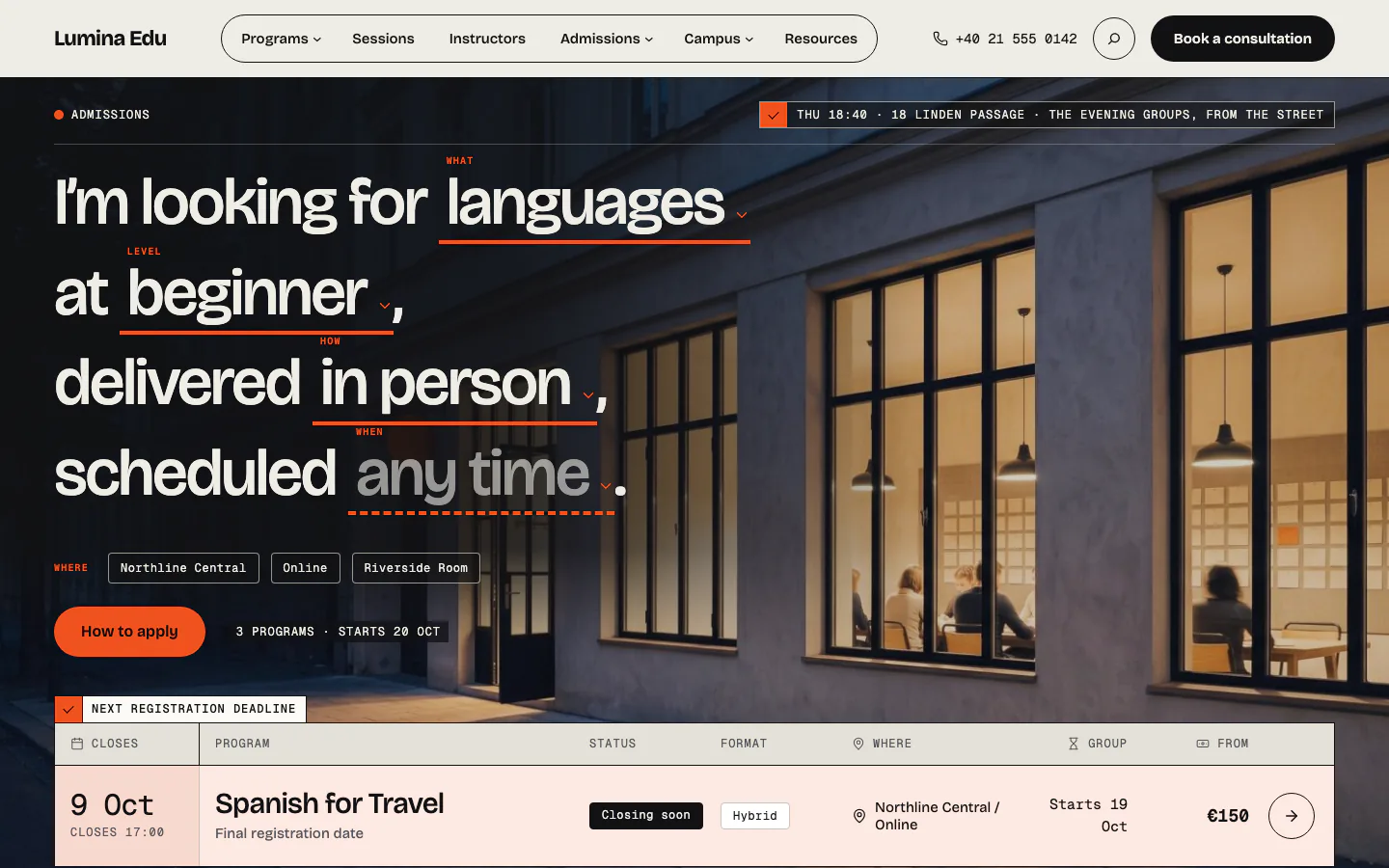
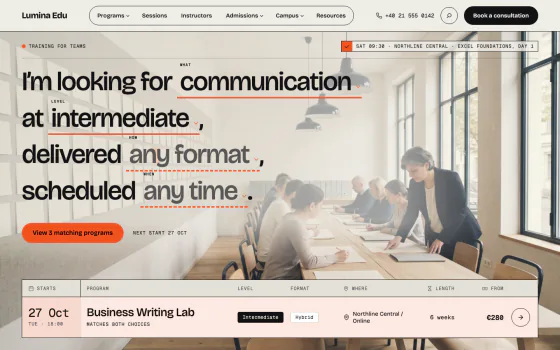
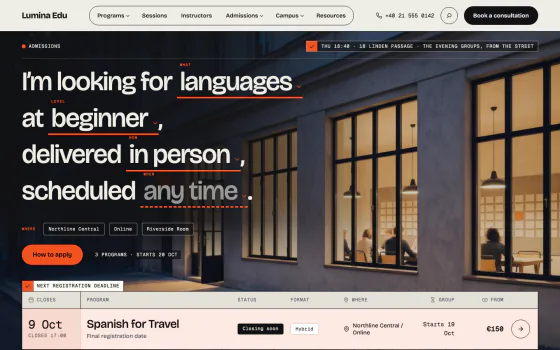
Studio for evening courses and tutoring, Training for daytime and workplace programs, College for admissions-led schools. Each is thirteen or fourteen bands, in the light and the dark scheme.
every page in the demo
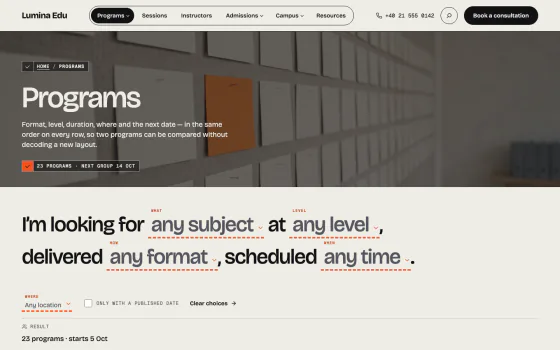
3 homes and 15 pages
The first screen of each page the demo importer builds, captured on the live preview.
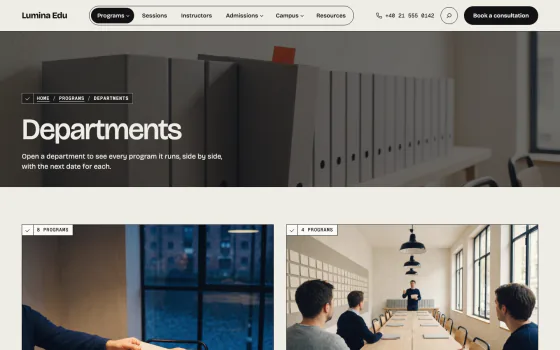
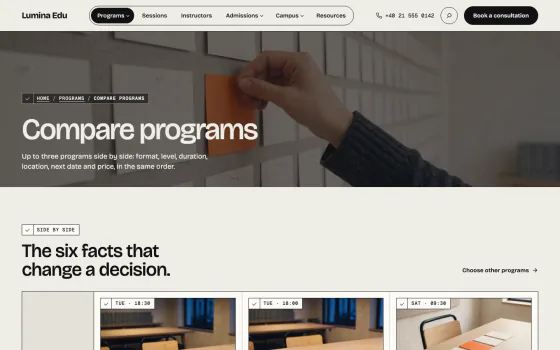
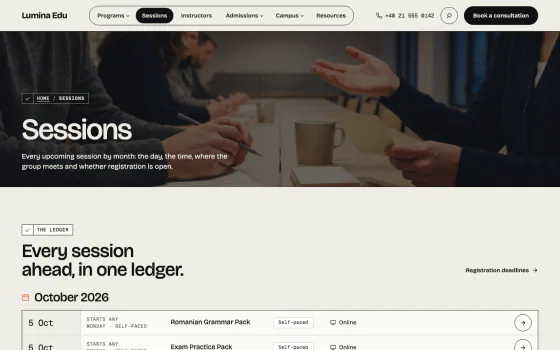
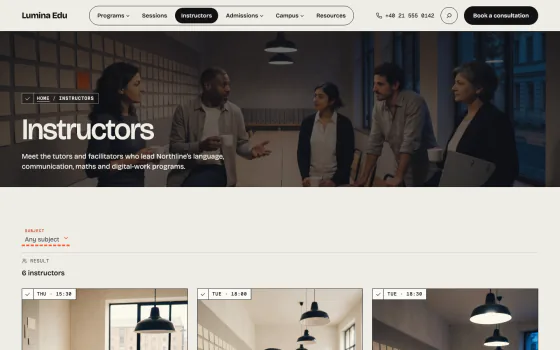
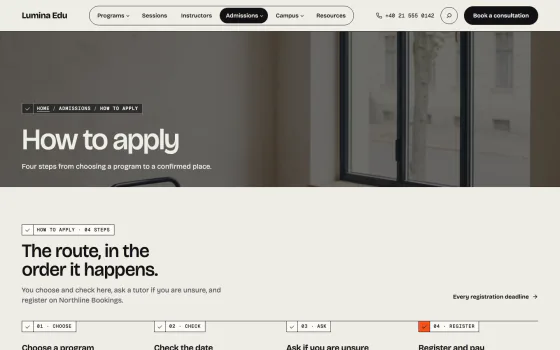
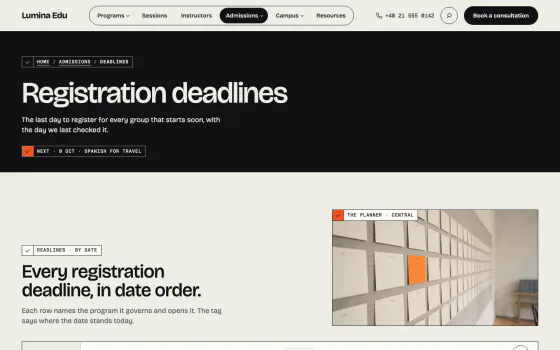
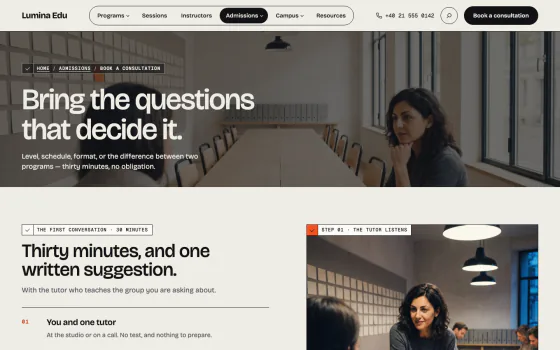
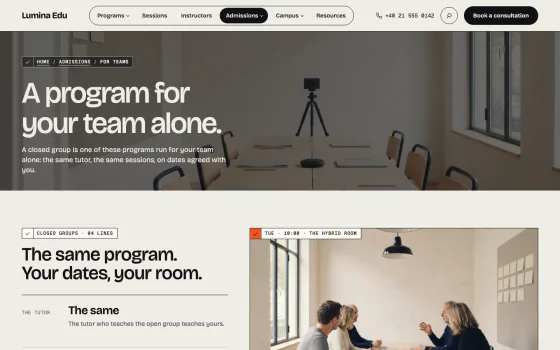
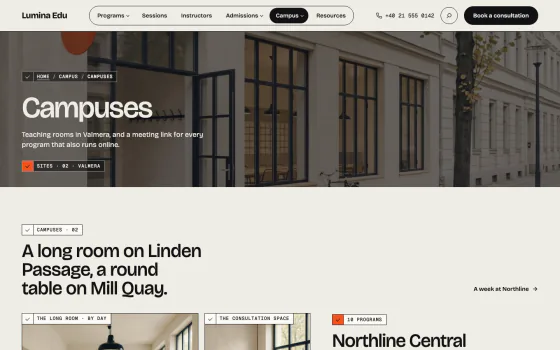
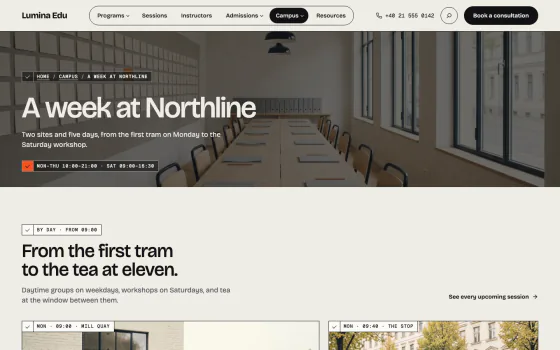
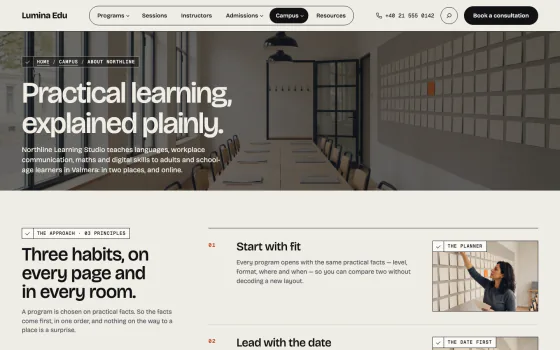
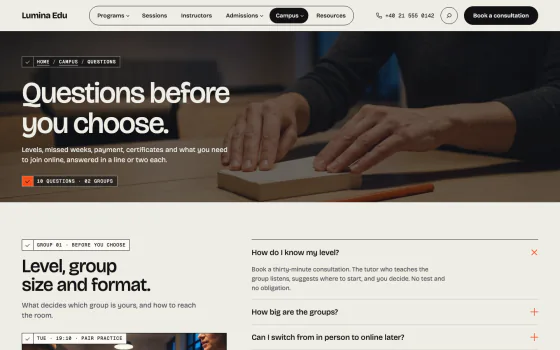
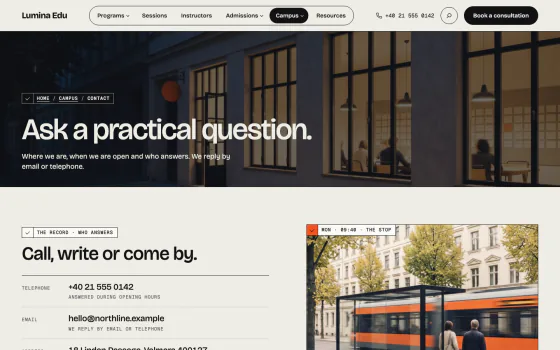
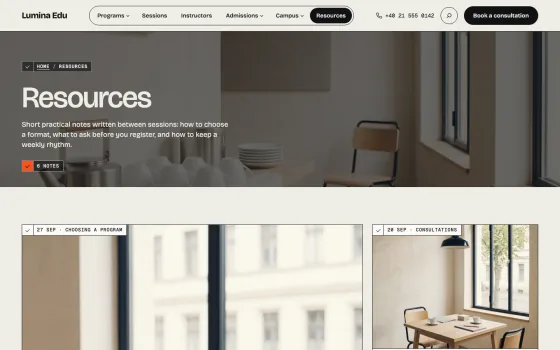
compare
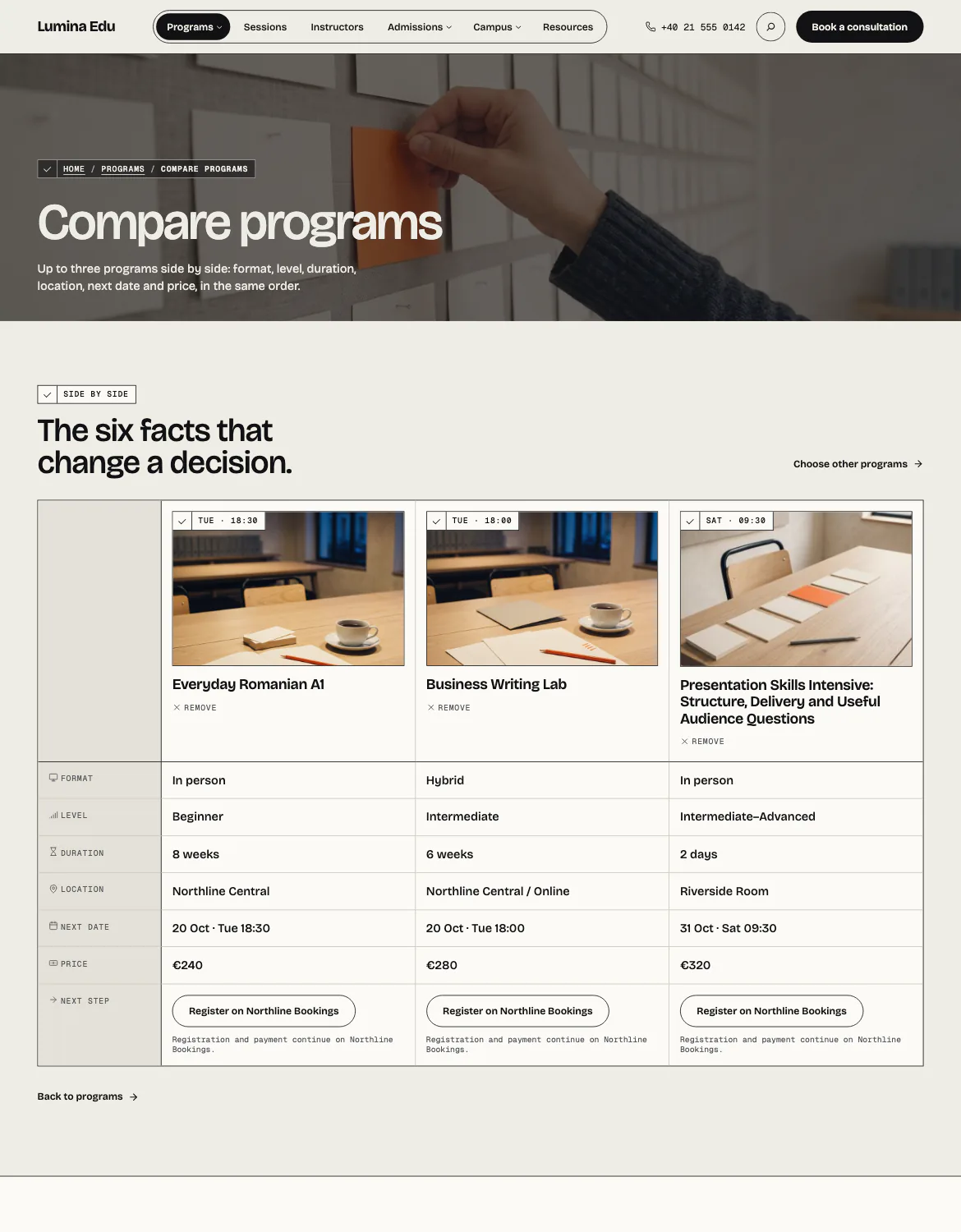
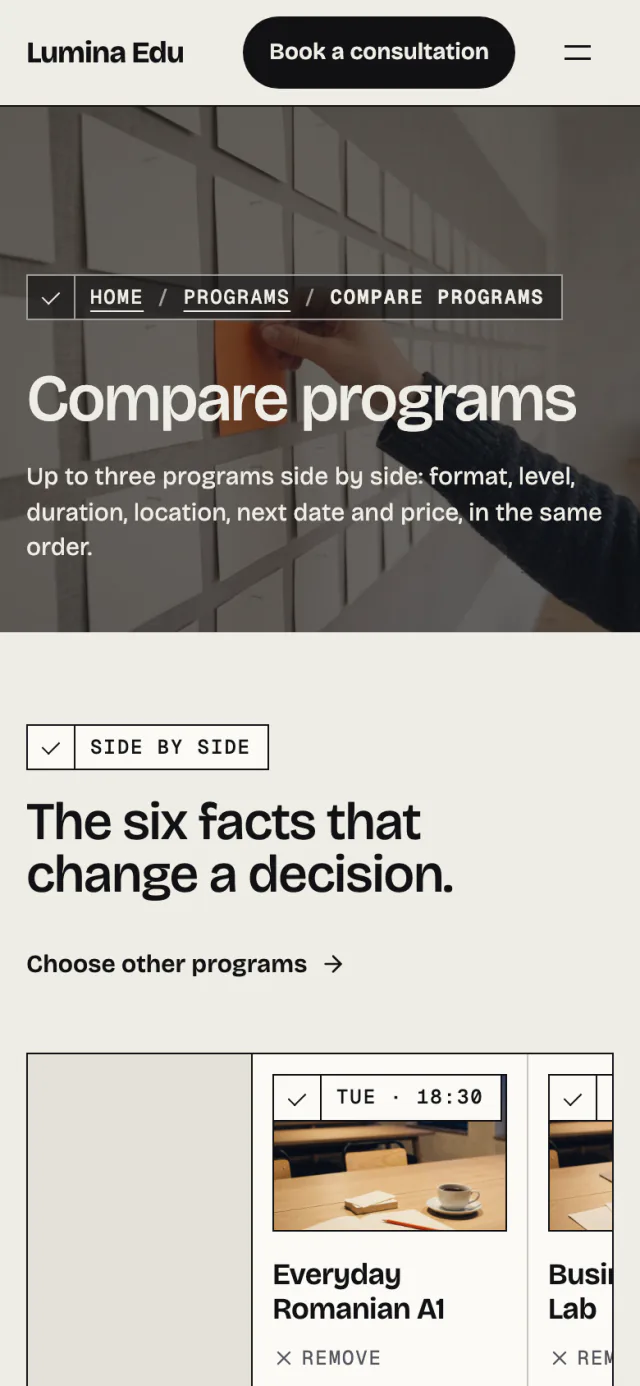
Up to three programs, fact by fact
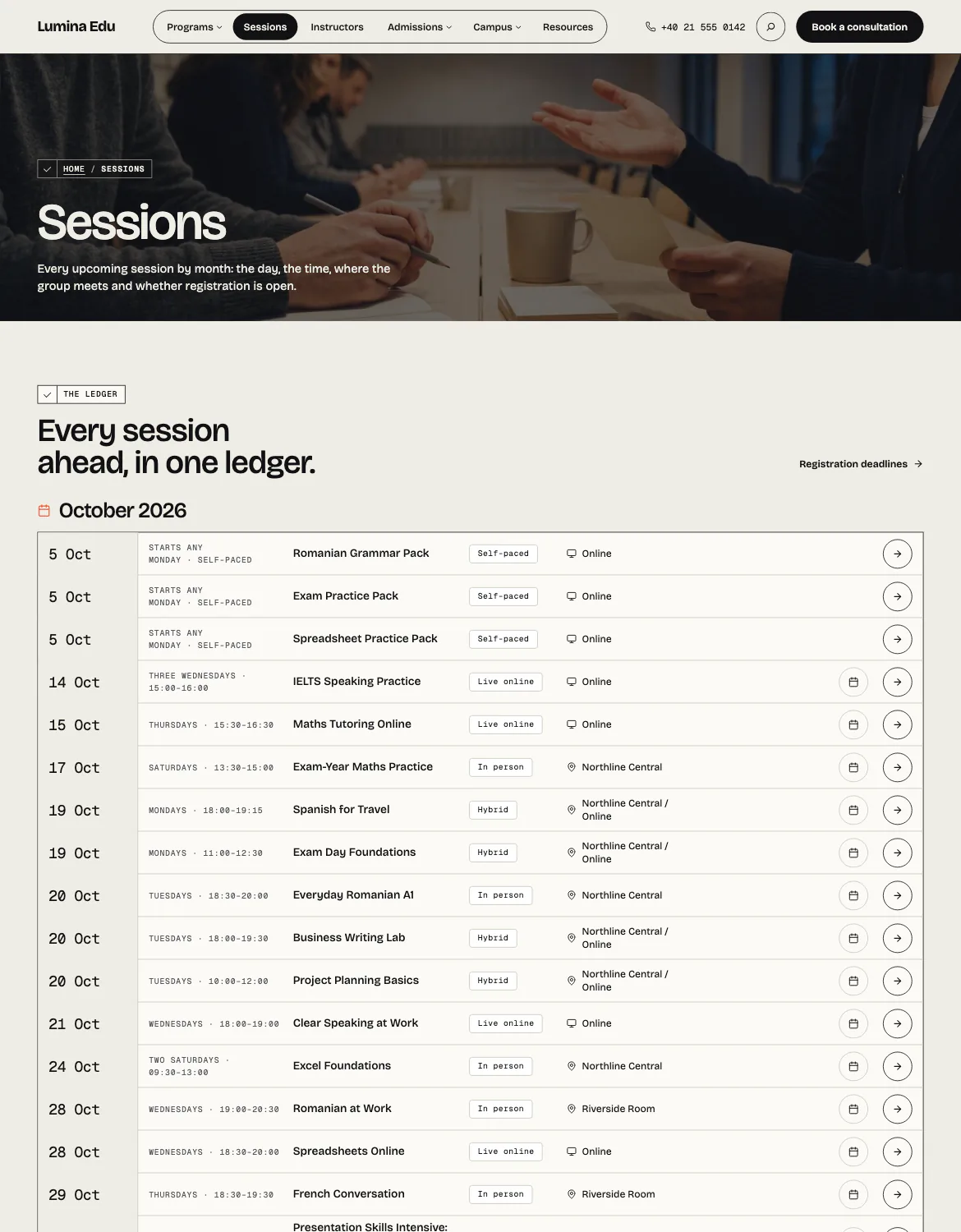
Compare sets programs side by side in the same order as the board, so two courses are weighed without decoding a new layout.

dates and prices
Every date and price comes from a record
Programs, sessions, instructors, departments, campuses and deadlines each have a record. A dated row leaves the page when its day passes, on a cached page too.

your side
Screens made for the person who runs the school
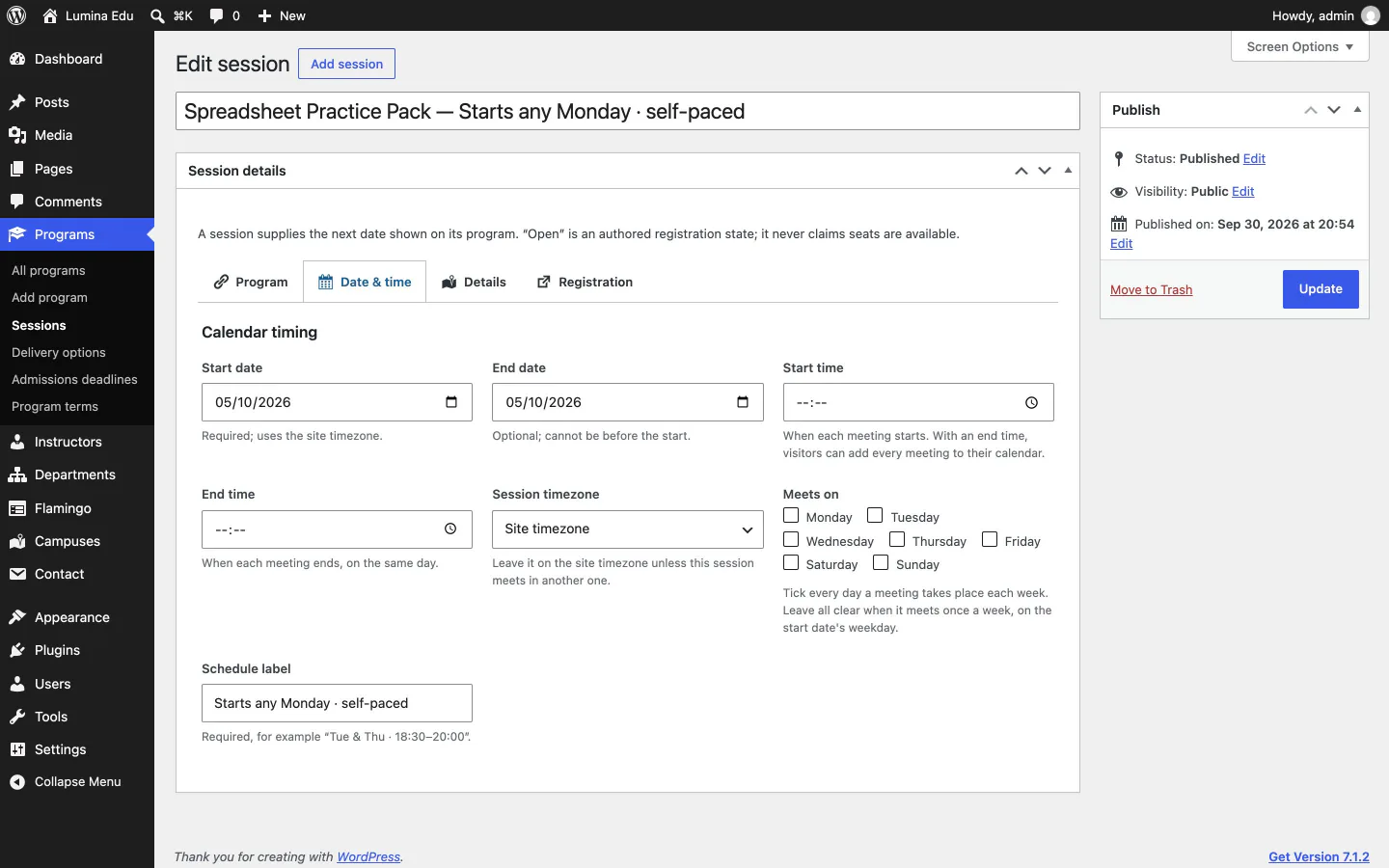
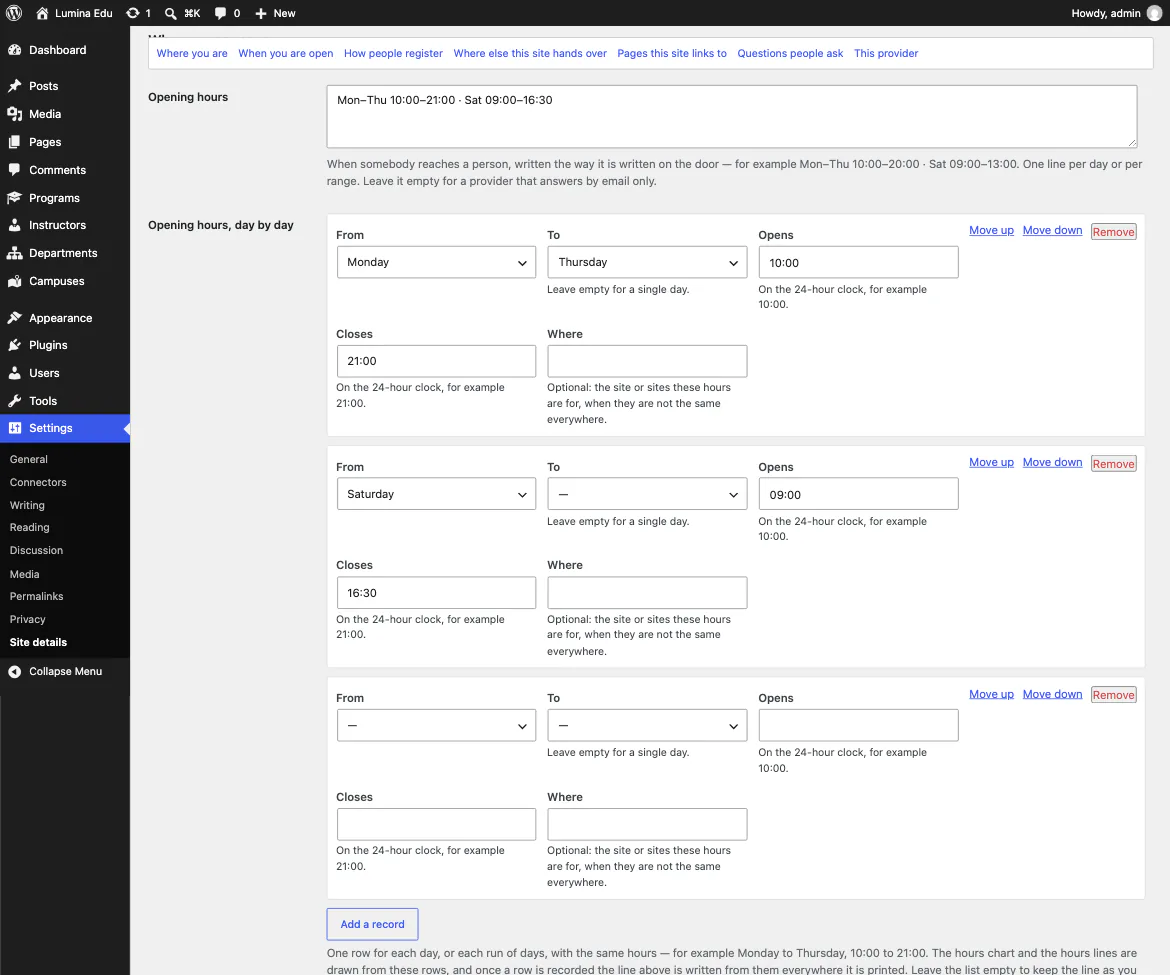
A session is a start date, a time and the days it meets, entered once. Opening hours, questions and the enquiry form are kept in Site details and printed wherever a page shows them.
no lock-in
The theme stands on its own
With no plugin at all the home is already composed. Every section that states a record shows a still example that names no date, so a site without the plugin is never wrong about the calendar.
- Your records live in the companion plugin, so a theme change keeps them
- Core blocks and patterns, no page builder
on a phone
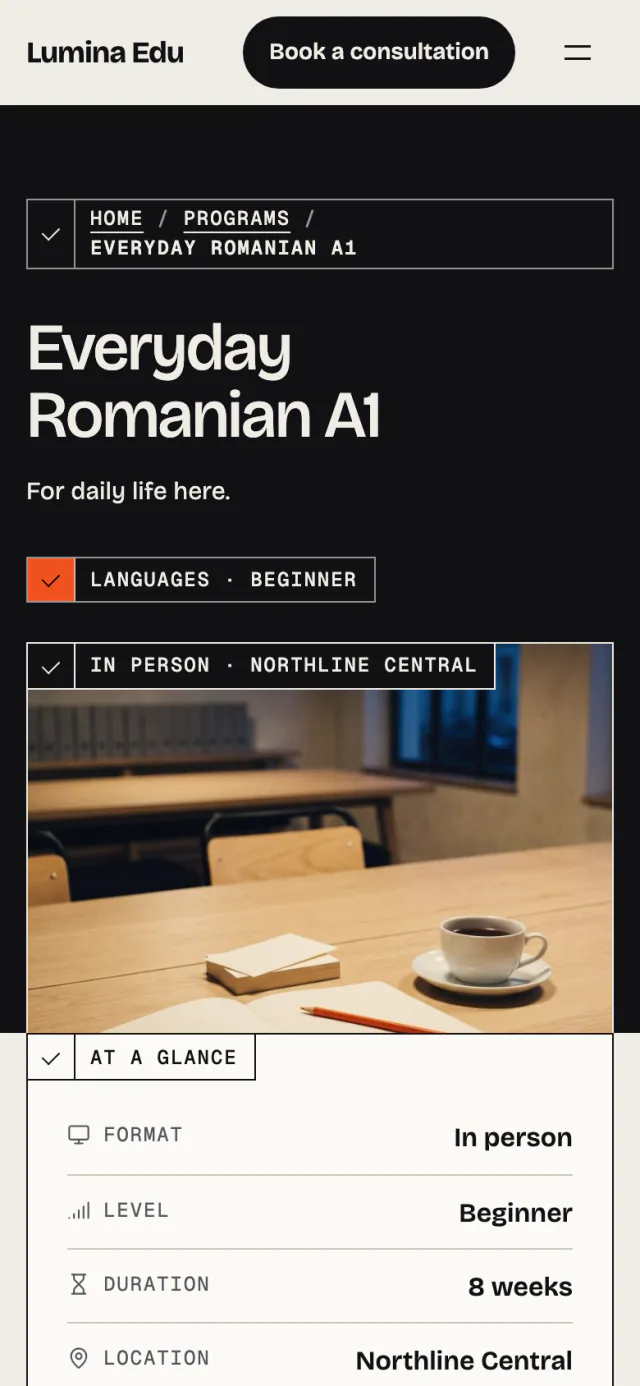
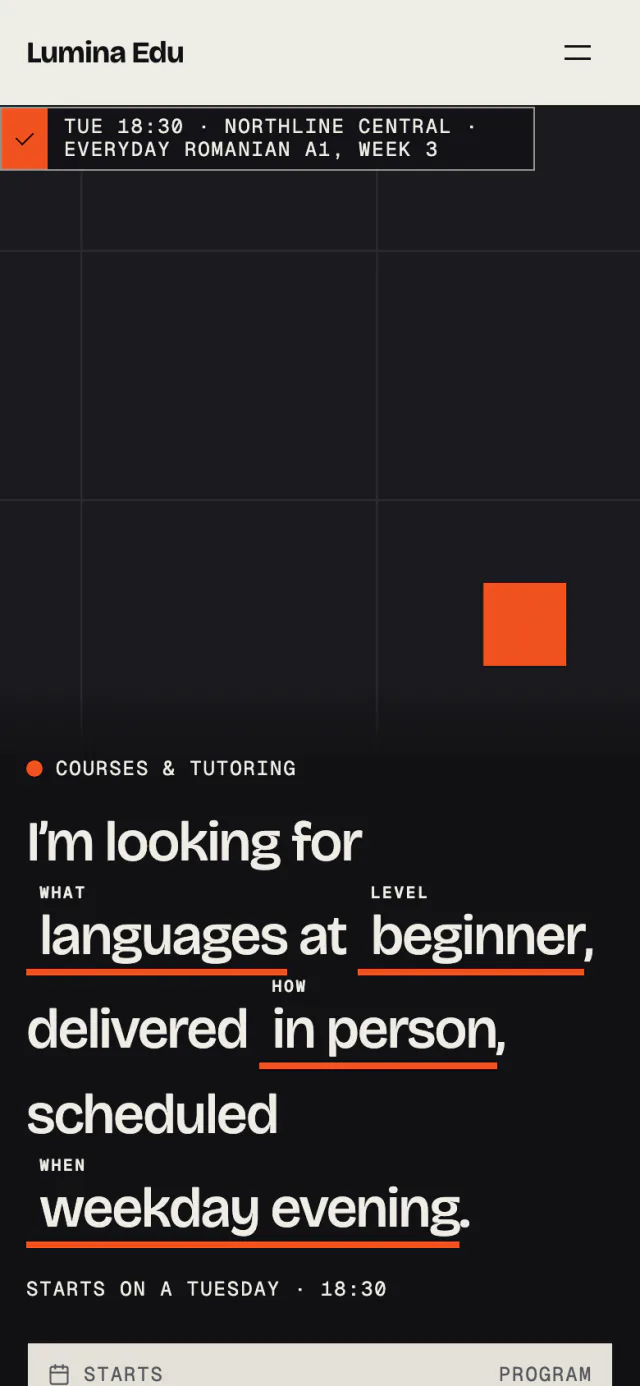
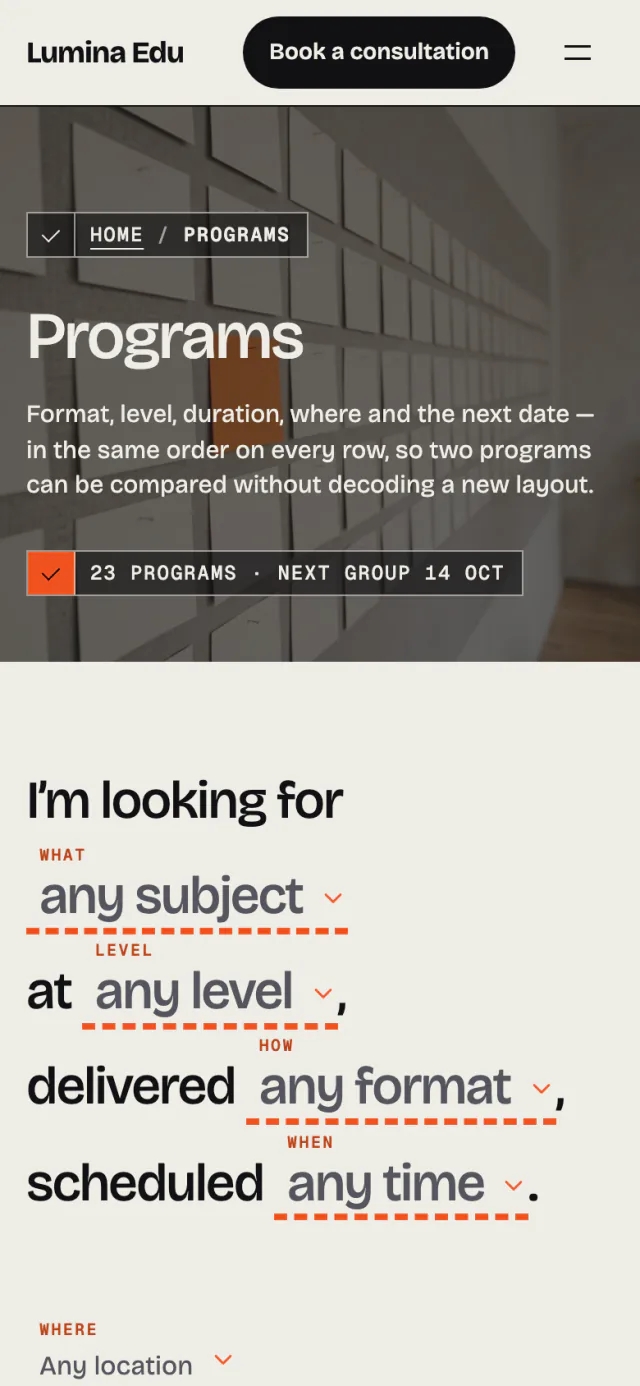
The sentence works under a thumb
The finder, the programs and a program's page are laid out for a 390-pixel screen, not shrunk to fit one.
light, dark, motion
Two schemes, and still when asked
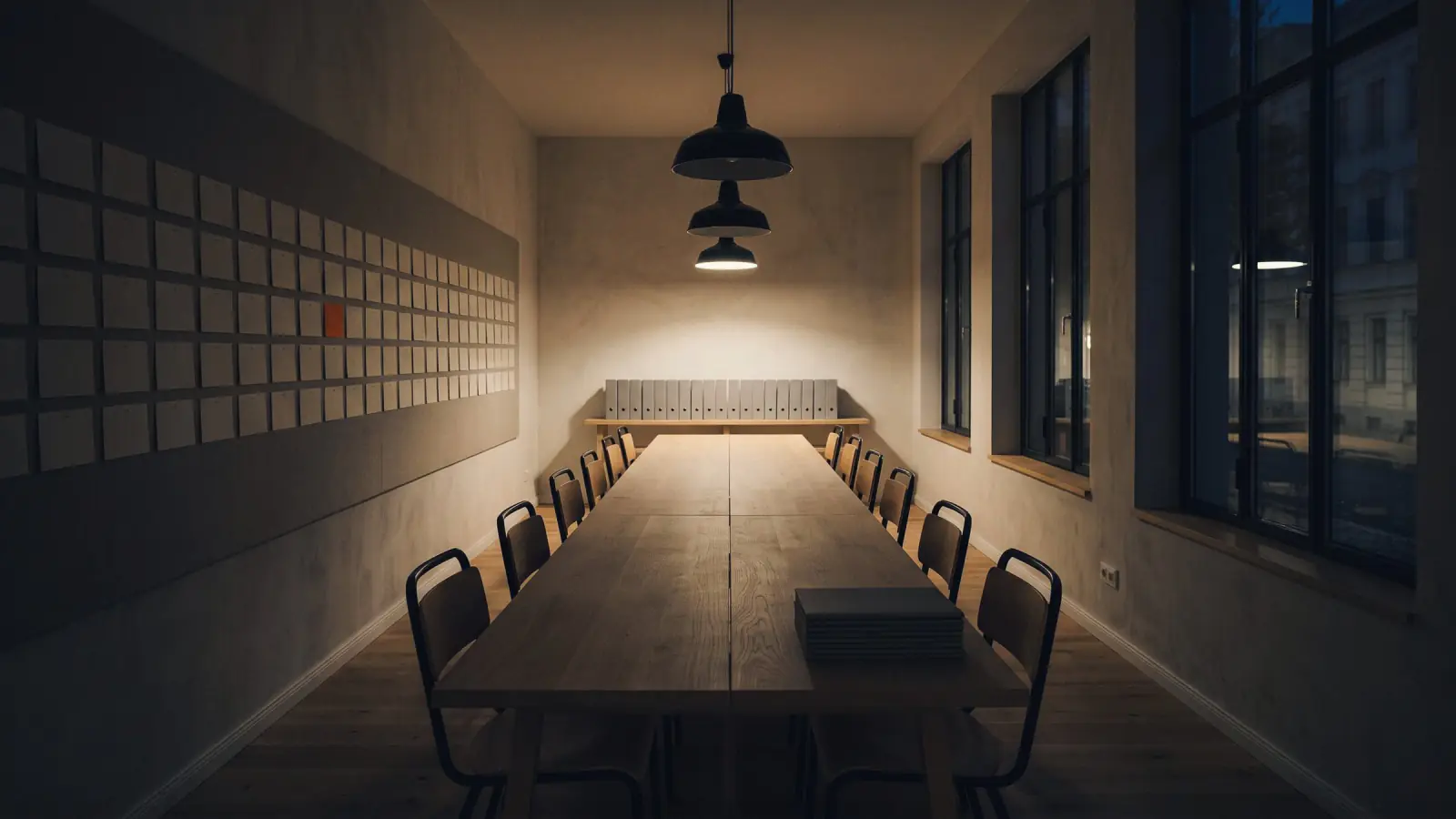
Every page has a light and a dark scheme. Sections rise into view and photographs move under the pointer, in CSS; under reduced motion all of it stands still.
- 238 colour pairs across 7 schemes checked for AA contrast
- axe WCAG 2.2 A and AA on every template, light and dark
- A skip link first and a visible focus on every control
documentation
A guide for the owner, not the developer
Install, import the demo, add a program and its sessions, keep the hours and hand the site over, with a screenshot of every screen you will use.
read the documentation
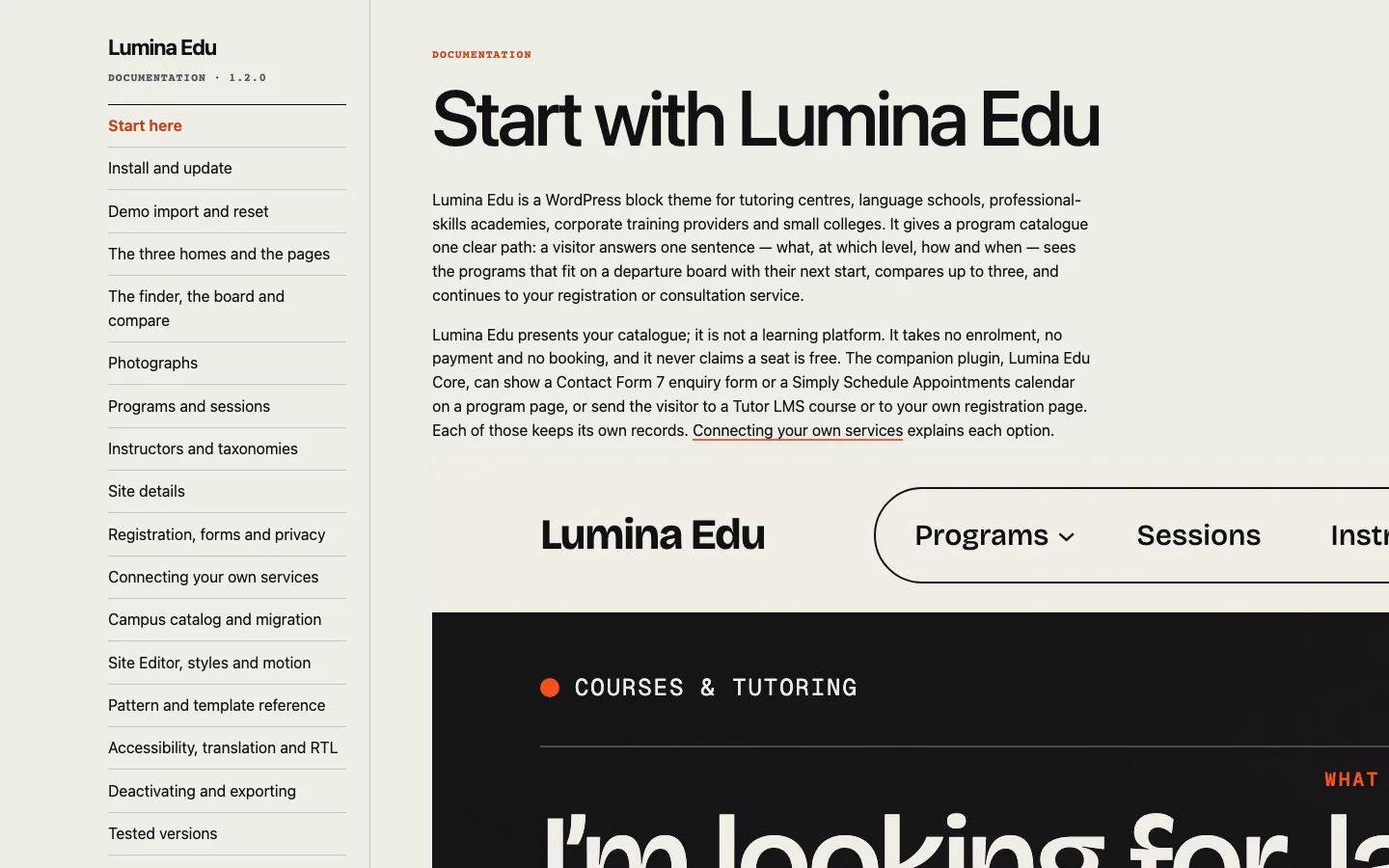
Every screen, with what it proves
What is in the download
- Lumina Edu theme
- Child theme
- Lumina Edu Core plugin
- Demo importer
- Documentation
The demo photographs are not in the download.
what ships and what does not
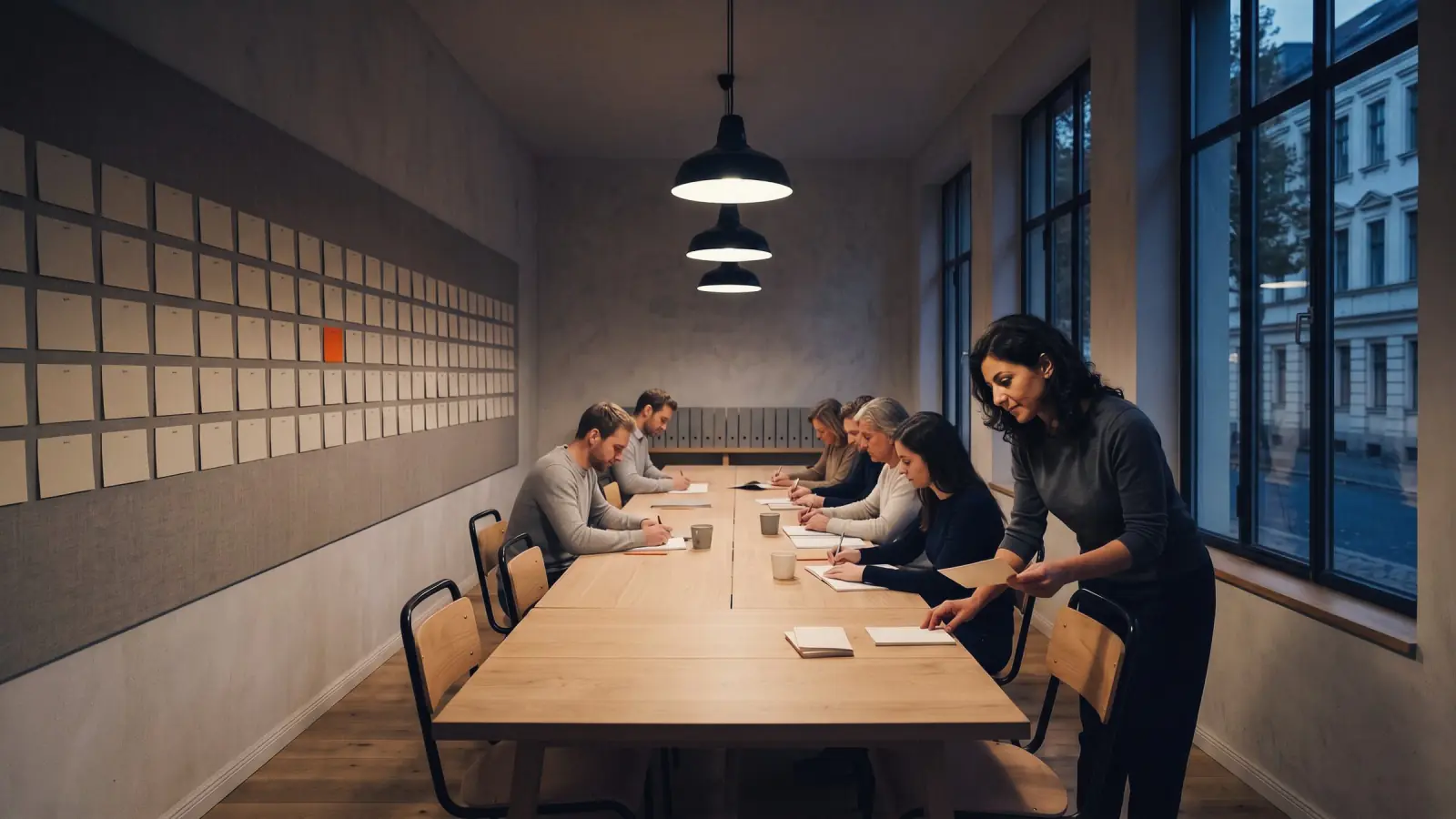
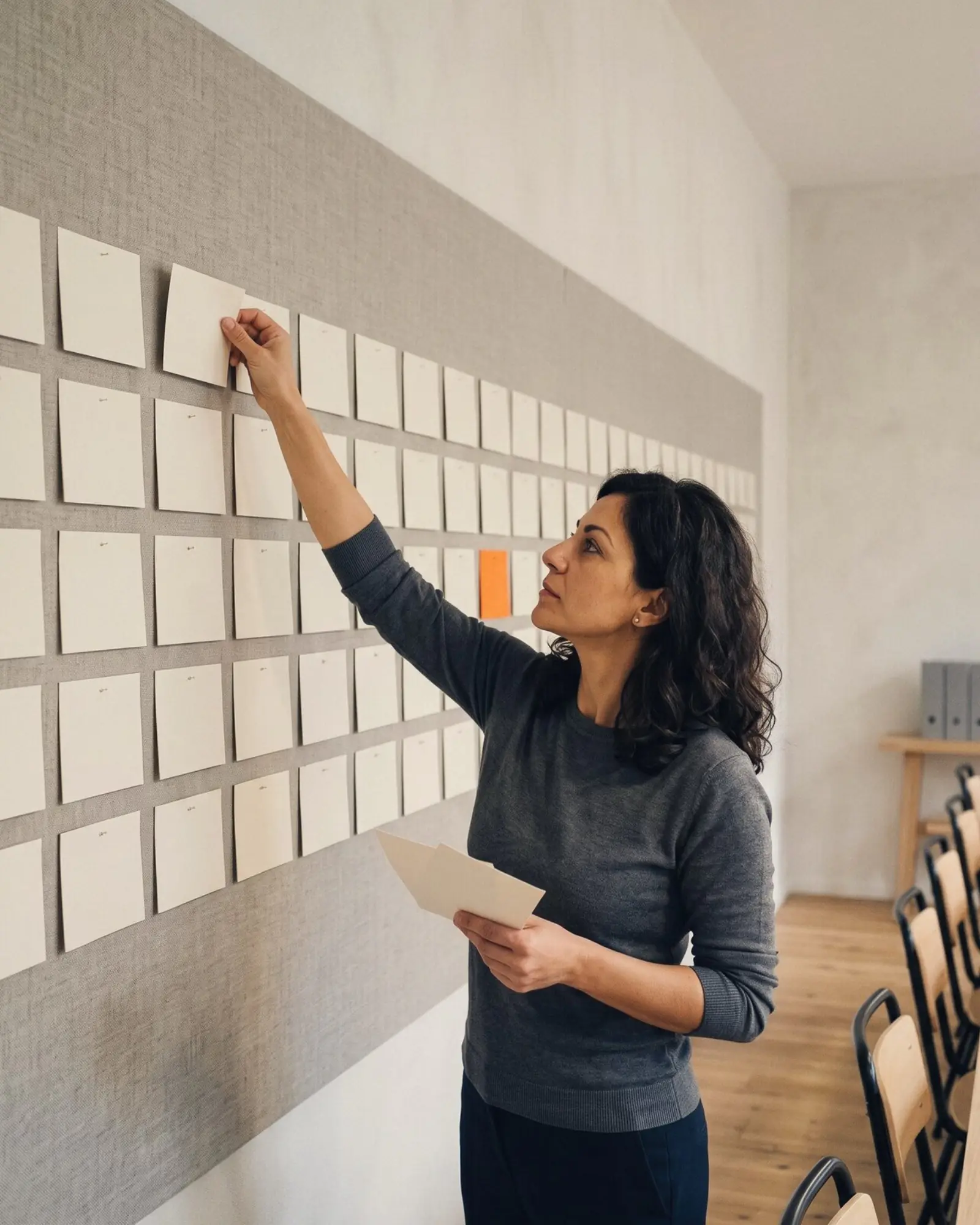
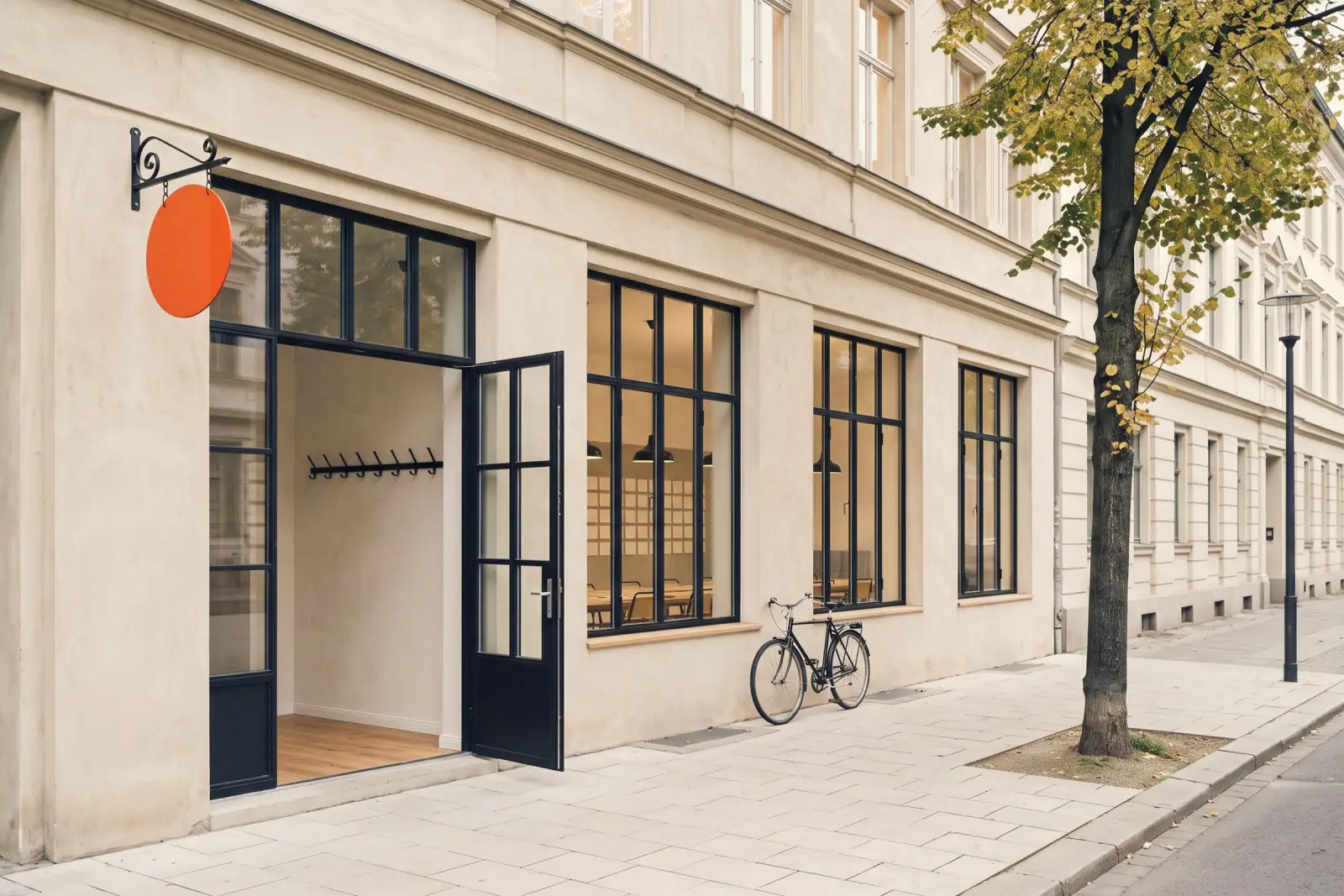
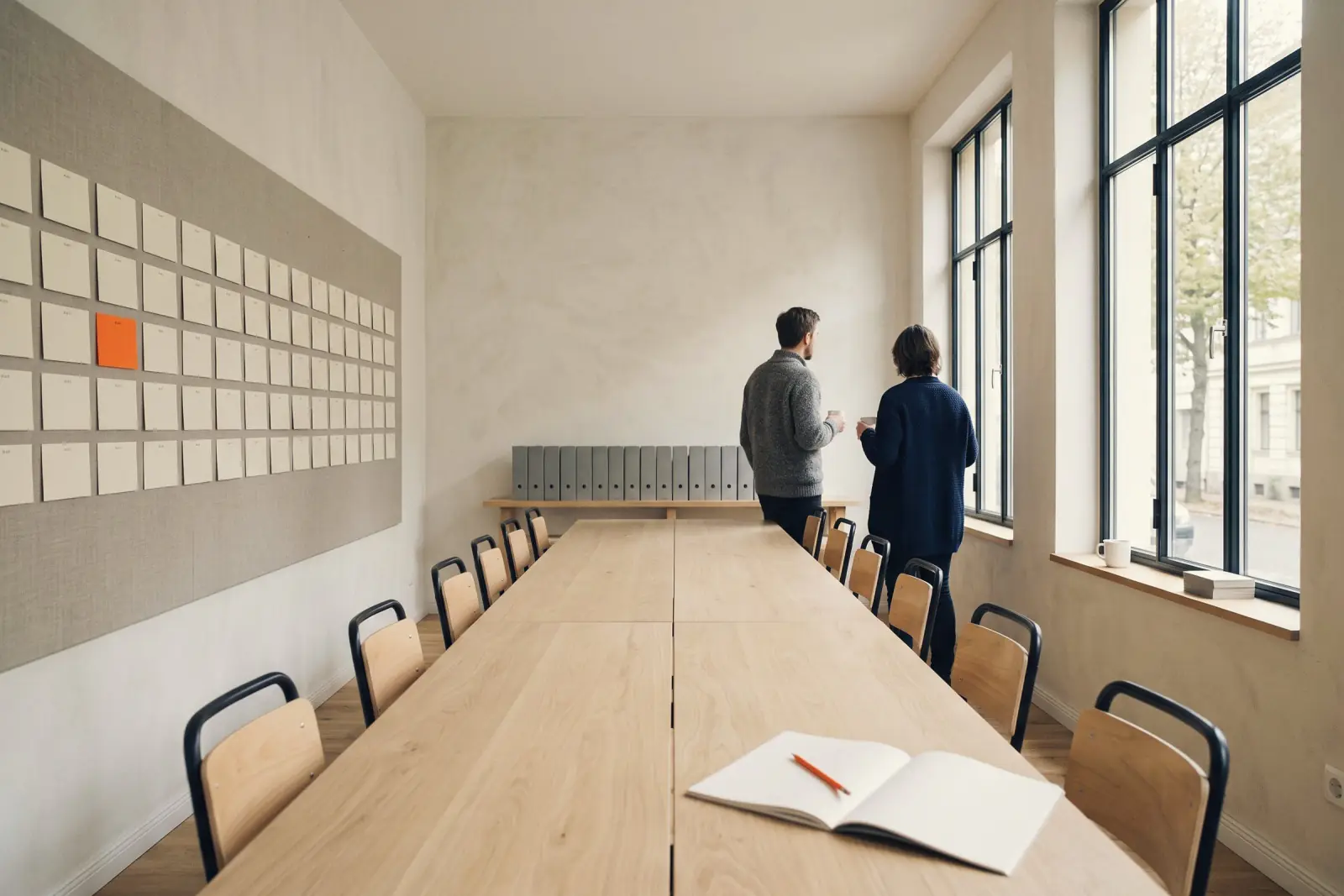
The sixty photographs in the demo and in these images are AI-generated and are not included in the download. They are preview and demo-import assets: hosted on our server and fetched by the demo importer at import time, inside no zip. Every image that does ship — the theme and child screenshots and the importer's preview image — is a capture of the theme with a ruled stand-in where a photograph would be. The offline documentation links its screenshots from the documentation host and carries no image files. Replace the photographs and the fictional Northline content with your own before launch. Forms, booking, learning, payments, email delivery and provider accounts are third-party services you supply. The two font families (Bricolage Grotesque, Geist Mono) are SIL Open Font License 1.1 and are included.
What it runs on
- WordPress
- 7.1 or newer
- PHP
- 7.4 or newer
- Browsers
- Tested in Chrome, Edge (Chromium), Firefox and Safari, desktop and phone, on 1 October 2026, version 1.2.2
- Editing
- the Site Editor, core blocks and patterns
- Page builder
- none needed, none included
GPL-2.0-or-later (code); design assets under the tailthemes.com license.
The terms, in plain words
$59, paid once. The code is GPL; what you buy is the download, the support and the updates.
- 1 site per purchase
- 6 months of support, replies within 48 hours
- 12 months of updates
- 14 days, no questions
- included in all-access
Before you install
Which file do I upload to WordPress?
lumina-edu.zip, the small one inside your download. The big lumina-edu-package-1.2.2.zip is the whole purchase: theme, child theme, plugin, documentation and licensing. WordPress refuses that one with "the theme is missing the style.css stylesheet". Unpack it first, then upload the small zip under Appearance, Themes, Add New, Upload Theme.
Do I have to install the companion plugin?
Only if you want the structured content and interactive features shown in the demo. They live in lumina-edu-core.zip rather than in the theme, so your data survives a theme change. Appearance, Install plugins offers it and WordPress downloads it from tailthemes.com; you can also upload the identical file from your download by hand. Nothing is force-activated: with the plugin off, every page still renders.
Does it need a page builder?
No. It is a block theme edited in the Site Editor with core blocks and patterns, on WordPress 7.1 or newer. No page builder is required, and none is included.