sent here for Meridian
tailwind documentation template · React and HTML source
MeridianTailwind documentation template
A Tailwind documentation template built as a reading surface, with the interactions a docs product is expected to have.
- 78 / 78
- light / dark tokens
- 2
- modes, both designed
- 1
- DOM, rendered twice
- unlimited projects, client work included
- 12 months of updates
- 14 days, no questions
AGENTS.md and 4 skills ship in the zip, so your own agent keeps changing it after you buy.
docs: install, use, customizepages, composed from 12 sections
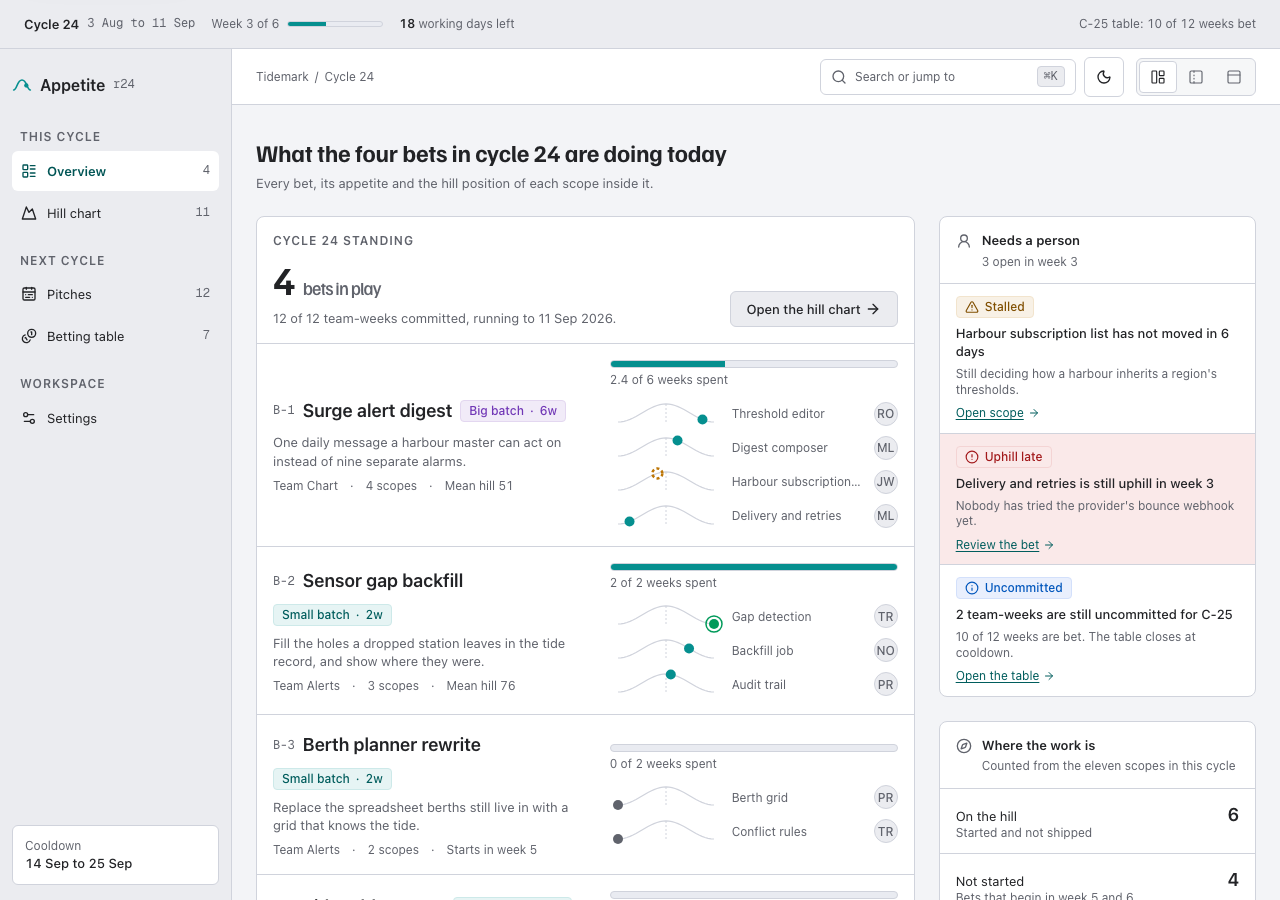
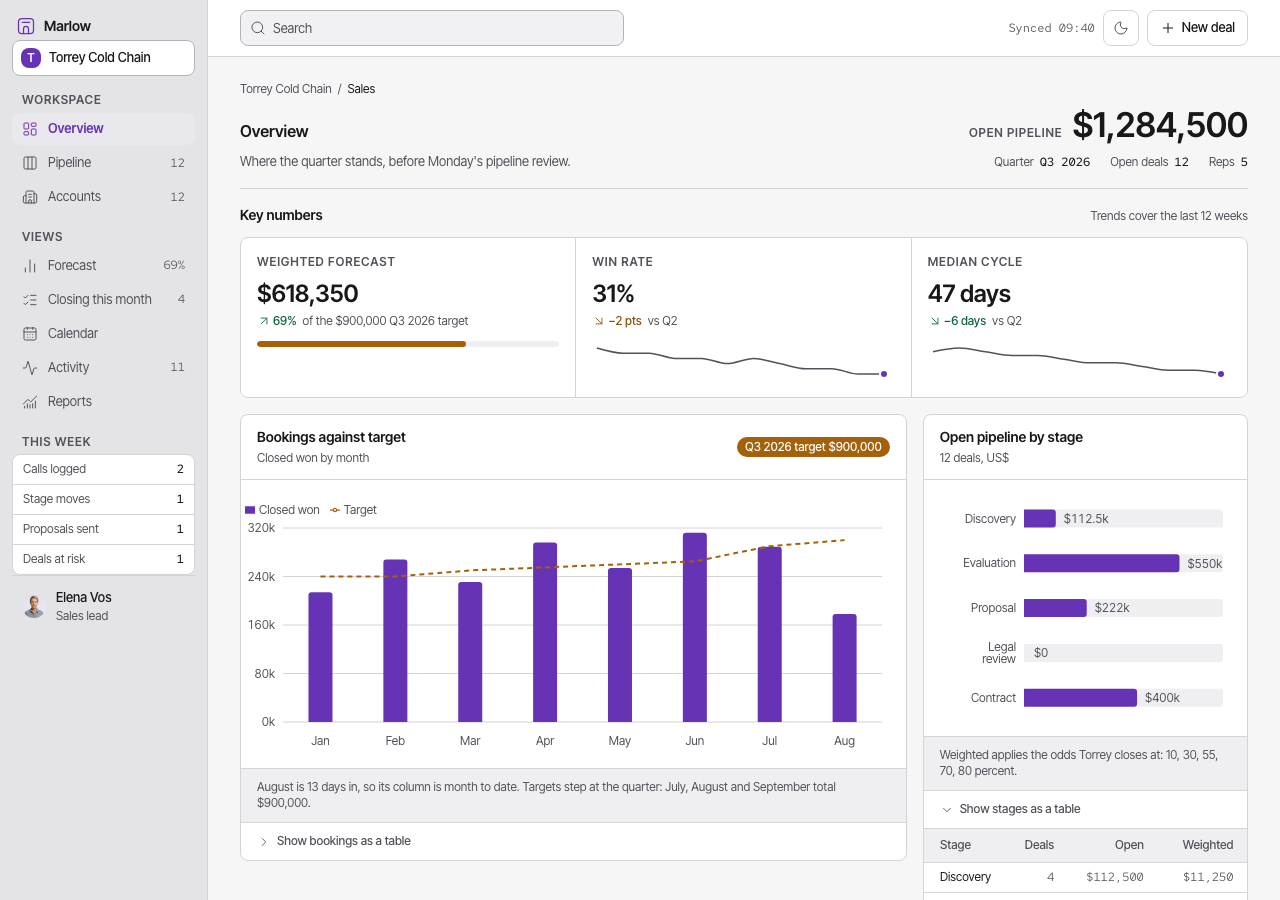
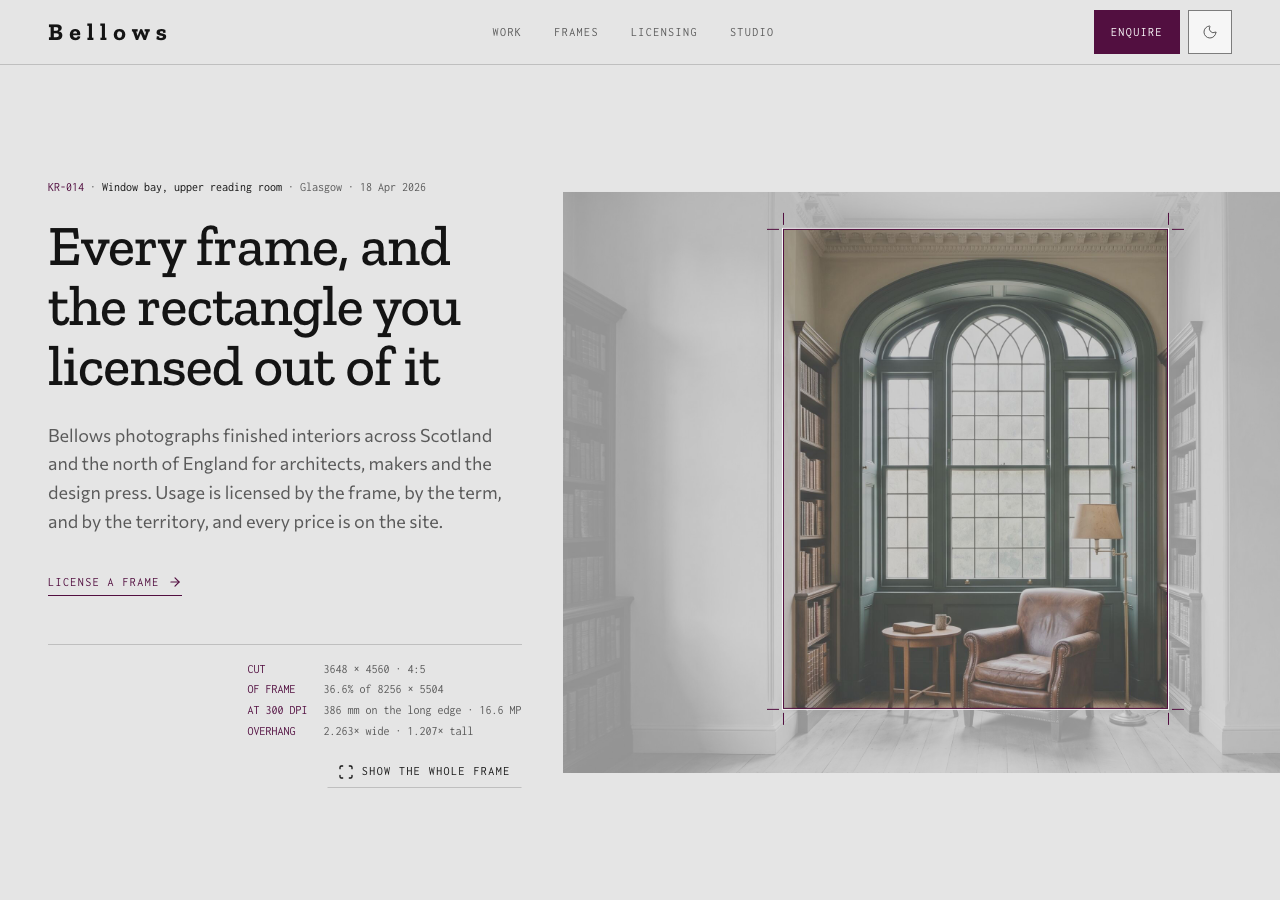
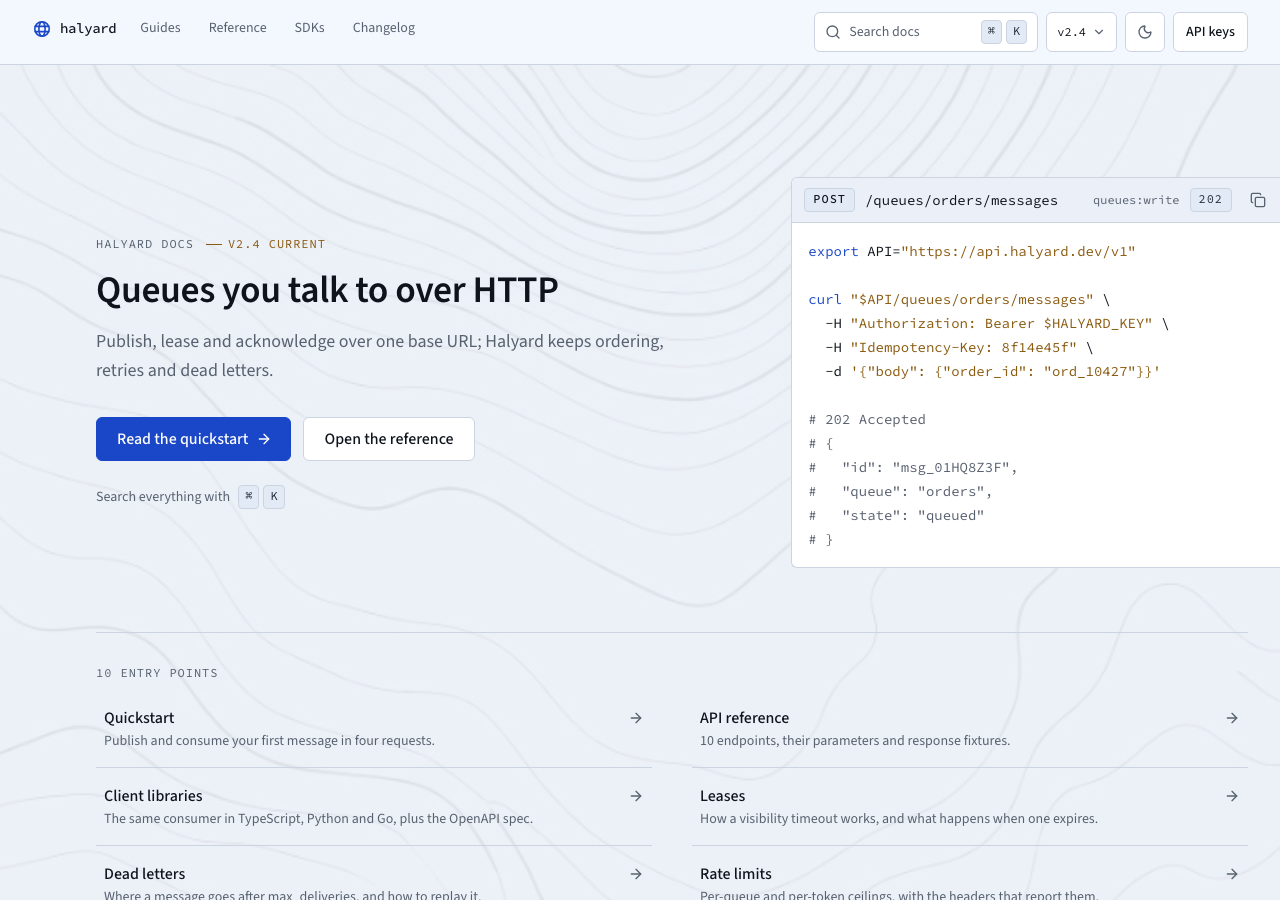
Every page is a real render from the publish gate, in the mode on show. Open any of them in the live preview.
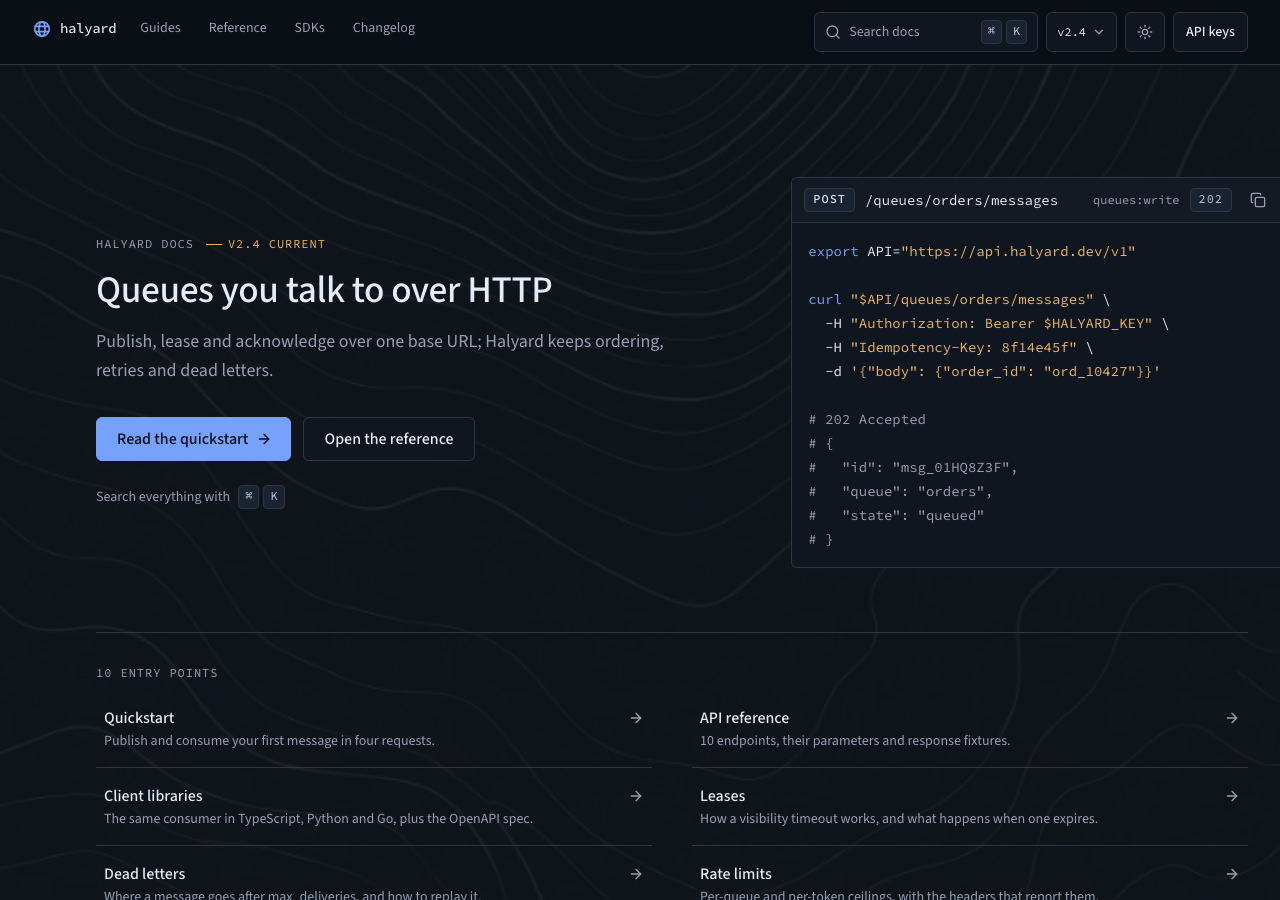
- Halyard docs — queues over HTTP/
- site-header
- docs-hero
- quickstart-panel
- support-strip
- site-footer
 Guides — deliver your first message/guides
- site-header
- guides-shell
- recovery-sequence
- site-footer
 API reference — endpoints and parameters/api
- site-header
- api-reference
- site-footer
 SDKs — TypeScript, Python and Go clients/sdks
- site-header
- sdk-shell
- site-footer
 Changelog — every API release, newest first/changelog
- site-header
- changelog-log
- site-footer
 Support — how to get help with the API/support
- site-header
- support-desk
- site-footer
 Terms and policies — agreement, retention and availability/legal
- site-header
- legal-desk
- site-footer
 Design system — every part, labelled/components
- site-header
- docs-hero
- quickstart-panel
- guides-shell
- recovery-sequence
- +7
Prose stops at a ruled line and only machine content crosses it: the reading edge runs down every article column, and code blocks, parameter tables and the architecture figure are the things allowed past. Eight routes ship and every link on them resolves. Guides include a static recovery sequence for a timed-out publish, an idempotent retry, an expired lease and safe redelivery, all joined to the same typed endpoint contract as the reference. The SDK page compares the same consumer in TypeScript, Python and Go. The release log filters by tag. The request builder assembles a curl command and never sends it. Search is keyboard-first, every code block has copy recovery, and the delivery diagram is canonical Wire Diagram JSON. Source Sans 3 and Source Code Pro ship as self-hosted webfonts, with a compatible 1.250 type ladder. Light and dark are complete and computed against WCAG AA. The eight routes also compile to a framework-free HTML template, with local fonts, vanilla JavaScript and no framework runtime, for teams serving docs as static files.
sections and primitives
You get the parts, not just the demo site. Every frame is a real capture from the theme's own styleguide page, and the source path under it is where the file lands in your project. 19 frames cover them, with 18 primitives sharing the ui/* frame.
tokens, both modes
Change one variable and every part follows. Each badge is one token split down the middle: its light value on the left, its dark value on the right, with the theme's own paired ink on both halves.
hover or tab a badge for its name and both values, enter copies
every token
typefaces, self-hosted
Real woff2 files in src/fonts/, wired through next/font and licensed under OFL. Nothing is fetched from Google at build time, so the zip renders these letterforms offline. Scale ratio 1.25.
Meridian
A Tailwind documentation template built as a reading surface, with the interactions a docs product is expected to have.
const { open, close } = useLedger("2026-03") // 0123456789
- text
- Source Sans 3
- mono
- Source Code Pro
No separate display face: the headings are set in the text face.
- d1Ag
- d2Ag
- d3Ag
- d4Ag
- leadAg
- bodyAg
- smallAg
- captionAg
- labelAg
- readAg
- scanAg
- codeAg
every width is a real render from the publish gate
Four viewports, each one a render the gate produced and checked. Switch between them: the frame narrows exactly as a window does, because that is what it is.
every token and every part on one page
The styleguide route is not documentation about the theme. It is a page in the zip that renders the real components from the real tokens, so it stays true the day you change one.
files in the zip
Two independently authored editions: React for applications, plus ready HTML, CSS and vanilla JavaScript for static hosts.
- AGENTS.mdthe theme's own rules, written for an agent
- .claude/skills/4 skills, each one job
- add-page/SKILL.mdCompose a new route for Meridian out of its existing sections and the three-pane frame, matching the shell, anchors and manifest entries of home/guides/api
- add-section/SKILL.mdAdd a new self-contained section to Meridian following its file, token and reading-surface patterns, then wire it into a page, the styleguide and the manifest
- check-quality/SKILL.mdRun Meridian's own gate locally
- rebrand/SKILL.mdReskin Meridian for a buyer
- src/
- theme.css78 tokens, light and dark
- fonts.tsthe faces, wired to the type tokens
- app/8 files
- components/12 files
- ui/26 files
- assets/1 markdown file, 1 image, 1 file
- fonts/2 licenses, 2 font files
- app/8 routes, plus layout.tsx and globals.css
- theme.jsonthe manifest: tokens, components, pages
- html/the framework-free edition
- dist/8 compiled routes, deploy-ready — no build step
- src/the Nunjucks source the routes compile from
- scripts/build-html.ts · serve-html.ts — `bun run build:html` / `preview:html`
- README.mdquickstart
- 6 project filespackage.json · tsconfig.json · next.config.ts · postcss.config.mjs · env.d.ts · .gitignore
Your key goes in TAILTHEMES_LICENSE_KEY, and the registry entry goes in components.json. The snippet is on the docs page.
skills your agent can run
Your agent reads AGENTS.md before it edits, then runs the skill that fits the change. The skills are the theme's own, and the publish gate makes an agent complete every one of them in a scratch copy before the theme goes live.
36 components, 8 pages and 78 tokens, as a Next.js project.
AGENTS.md carries the design spec. Each skill is one job written against it.
Claude Code, Codex, or any agent that reads AGENTS.md. It runs on your machine, on your own account.
Built from the theme's own sections, on the same tokens and the same rhythm.
The source is yours to run, edit and deploy.
The spec ships inside the folder, so the page your agent adds next month is built by the same rules as the ten it came with. Nothing calls back here.
What the standard license coversWhat do I actually get?
Does it include the pages I'd otherwise have to build?
Will it work with my stack?
How long before it stops looking like a template?
Can I use it for client work?
activity
- v2.6.3: The docs home lists ten entry points as ruled rows, parameter tables stack on a phone, reading pages open on their title, and dark azure and brass keep their saturation.
- v2.6.2: The on-this-page rail marks the section you are in, even back at the top, and the header's API keys button is outlined so the hero keeps the only fill.
- v2.6.1 — the header and sidebar disclosures ride the library part with Escape and focus return, and badge, callout and density adopt the canonical names
- v2.6.0: The docs engines move onto the library — search dialog, tabs, copy button and version switcher, captures held
- v2.5.3: The nav disclosure unrolls, and a press reads as a press
- v2.5.2: Every skill gained its HTML-edition half, written against how the routes are actually wired
- v2.5.1: The version switcher's comment now states exactly what a native details element gives and does not give a keyboard user
- v2.5: A shared field family, a real button branch with disabled and busy, wired into the request builder
- v2.4: Separate Nunjucks source and framework-free HTML output for every route
- v2.3: Canonical Halyard contract, timeout-to-redelivery guide, clipboard recovery
- v2.2 — language tabs, changelog filter, request builder, canonical Wire, /legal, mode toggle
- v2.1 — /changelog, /sdks, /support; every promised destination exists
- v2.0 — the reading edge, shipped faces, 1.250 ladder, A9 masthead
- v1.1 — contour luminance layer on the docs masthead
- v1.0.0 — three-pane docs, API reference, command-K search
- MDX content adapter exampleplanned
for agents
This listing is also a markdown document and a JSON endpoint. The theme's own agent kit is on the kit and agents plates above.