Jakob's Law says your customers spend most of their time in other products, so they expect yours to work the same way. Familiar navigation is onboarding you never had to build. An agent can now produce a fresh layout in an afternoon, and learning it still costs the customer. Be distinctive in how it looks and boring in how it moves.
What is Jakob's Law?
Jakob Nielsen put it in one line in End of Web Design (Nielsen Norman Group, July 2000): "Users spend most of their time on other sites." The consequence follows in the same article: "users prefer your site to work the same way as all the other sites they already know." NN/g's 2017 video gave it the name it goes by now, Jakob's Law of Internet User Experience.
The plain picture is a customer who arrives already trained. Every product they used this week taught them where things live, and that training cost you nothing. These are the moves most people make without reading a label:
- Search sits at the top. The eye goes there before it reads anything else.
- The logo goes home. A click on it is the way back from anywhere.
- Settings live behind the avatar. Account, billing and sign-out are one press from your own picture.
- Cmd+K opens everything. In a tool people use daily, the keyboard reaches what the menu hides.
- Escape closes the thing on top. A dialog, a drawer or a menu gives the page back.
None of these is the best possible design. Each one is the design people already know, which is a different and more useful property.
Why does a new pattern cost the customer and not the team?
Because the team learns it once and the customer learns it on every visit until it sticks. Your team built the new navigation, reviewed it and argued about it, so it feels obvious to everyone who will never need it. The customer meets it cold, in the middle of a task they came to finish.
Each broken convention is a small tax. One extra look for the search box, one wrong click on the logo, one Escape that does nothing. No single one loses a customer, and that is why they accumulate: nobody files a ticket about a second of hesitation.
Why does this matter more when an agent builds the UI?
Because shipping a new pattern got cheap and learning one did not. Ask a coding agent for "something that does not look like every other dashboard" and moving the navigation is one of the cheapest ways it can comply. The diff is clean, the build is green and the screenshot looks fresh, so the review gives it nothing to object to.
We found the same shape in our own catalog. The parts that broke were the parts that move, and every one of them rendered fine in a screenshot:
| What we found | Where it was recorded | The convention it broke | What a customer would have hit |
|---|---|---|---|
The string "Escape" appeared twice in the whole catalog | component audit, 18 August 2026, 11 live themes | Escape closes the layer on top | overlays that close only from their own button |
| A workspace chip with a caret and no menu behind it | Atrium 2.2.0 | a caret opens a menu | a click that does nothing, until 2.4.1 removed the caret |
| Cmd+K opened two palettes at once | an earlier Cutroom release | Cmd+K opens one palette and Escape gives the page back | a page that never scrolled again after both closed |
| Home and End moved the highlight in the palette | Cutroom's command palette | Home and End move the caret in a text field | no way to reach the start of a long query |
The same audit counted 0 of 11 themes with a reusable dropdown menu, tooltip or toast. None of this was a look problem. Every one of those themes was live, so every one had passed its visual gates, and each failed the moment someone used the keyboard the way other products had taught them to.
How do you stay distinctive without breaking conventions?
Split the product into what it looks like and how it moves, then spend your originality on the first. This is also how we settled a tension in our own rules. Our design contract asks every theme for a signature, "a structural or material device" a buyer could describe from memory, and our precedents record the incidents where four themes converged on one headline cadence and three on one hero.
That pressure toward difference stops at behaviour. Our component library owns "Escape, focus trap, focus return, scroll lock, roving focus" and the ARIA structure, while each theme owns "every class string, every token, every motion value, every icon, every word". The component programme states the target in one sentence: "A buyer comparing two of our dashboards should find the same capabilities and no visual family resemblance."
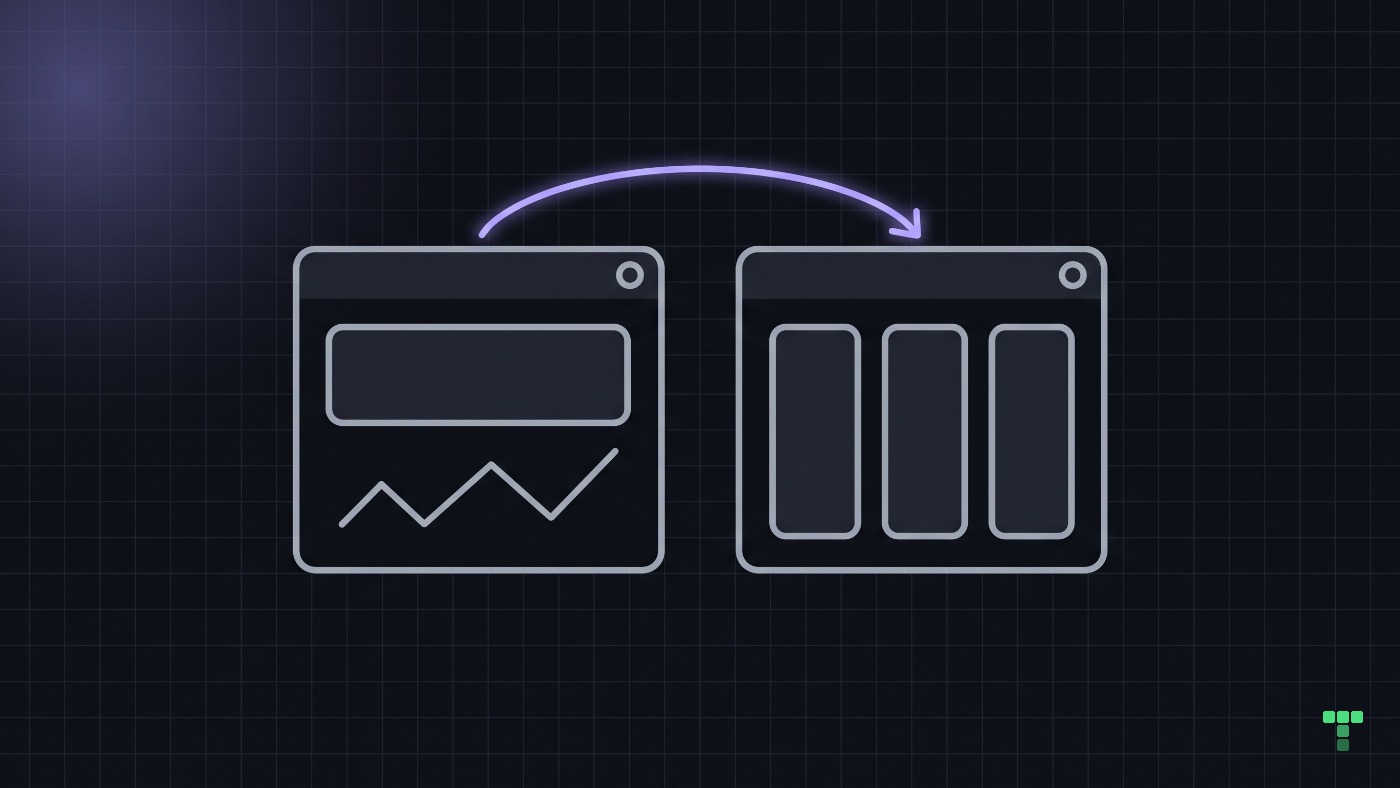
For an agent, that split is an instruction you can write down. Put the distinctiveness into the tokens, the type and the composition, and say in your AGENTS.md that navigation placement and keyboard behaviour are not design surface.
Check your navigation before you redesign it
Open your product and try five moves without reading a label: click the logo, look for search at the top, find settings from the avatar, press Cmd+K, press Escape on every overlay. Each move that fails is a tax your customers pay on every visit. Then answer one question about the redesign: what can customers do after this change that they could not do before?
When should you break the convention?
When the standard blocks the core job, and you can say so in a sentence. Cutroom, our media dashboard, declares exactly one deviation: its public title page drops the application rail and lets the player run to the edge of the viewport. The rail belongs to the console. A public title page exists to show the work, and the theme's notes record what the break buys: a page that reads as public inside a back office.
Jakob's Law describes what people expect, not what is good, and it has two limits worth keeping. Following every convention does not make a product useful; it only stops the navigation from charging for the visit. And conventions move: Cmd+K became one because enough products shipped it that people learned it somewhere else first. Breaking a convention on purpose, in writing, with the job it serves named, is how new ones start.
If the honest answer to the redesign question is "nothing, it looks fresher", the change belongs in the look and not in the navigation. Every theme in our dashboard templates runs its overlays on the same library behaviour and dresses them in its own tokens; the free Seminar theme ships the same layer, and its components page is a place to press Escape and check.