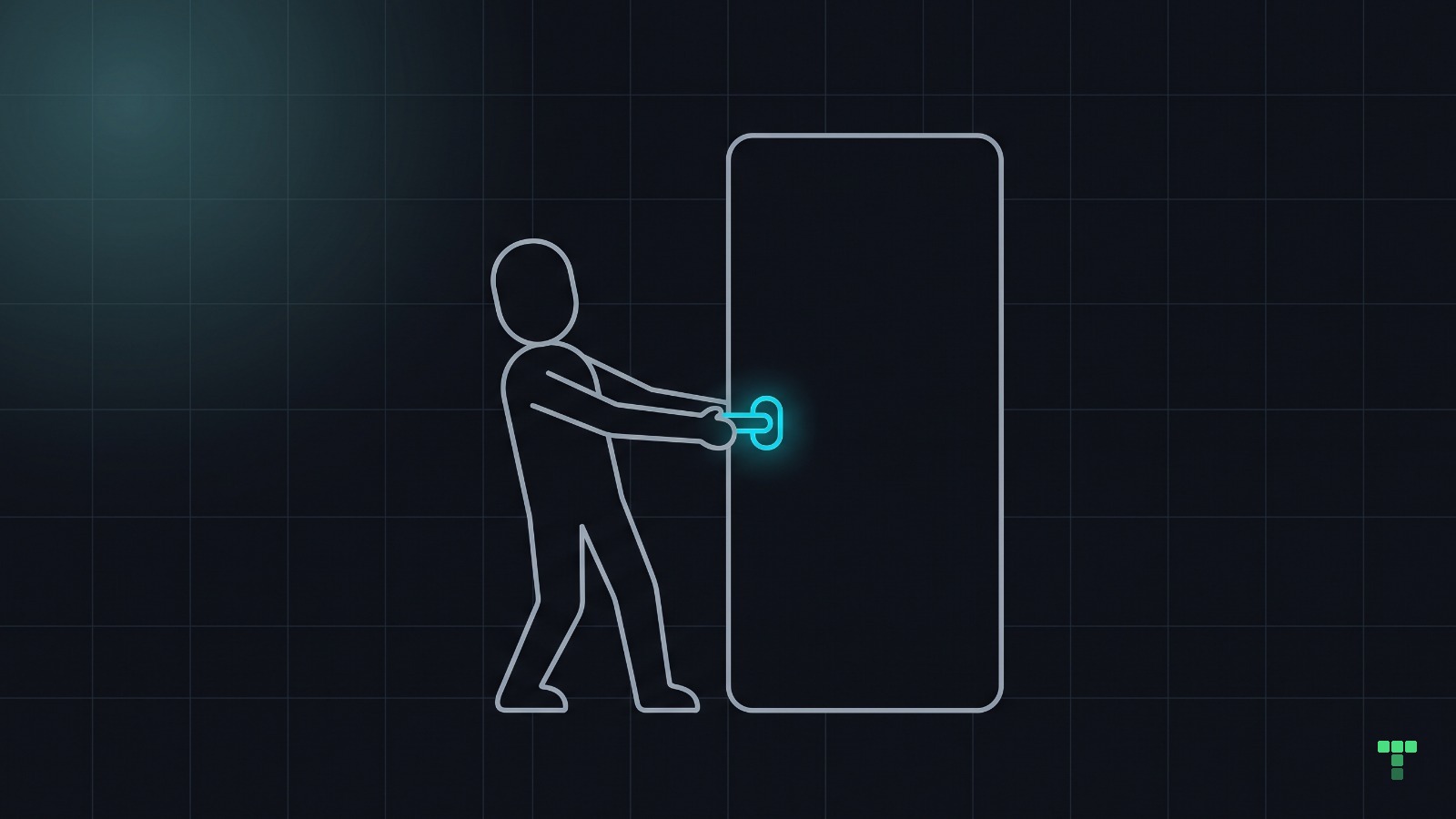
A false affordance is a cue that promises an interaction the screen does not deliver: blue underlined text that is not a link, a raised card that opens nothing, a chevron with nothing behind it. Treat every visual cue as an API contract. Customers read your styling as documentation, and when one promise breaks they stop trusting the rest.
What is a false affordance?
The term is older than flat design. William Gaver's paper Technology Affordances (CHI '91) sorted interface cues by asking two questions: can the thing be done, and does anything on the surface say it can?
- Perceptible: the action exists and a cue says so.
- Hidden: the action exists and nothing points at it.
- False: a cue points at an action that does not exist.
Gaver's own wording for the third: "a false affordance exists upon which people may mistakenly try to act." Don Norman later named the cue itself in his 2008 interactions column Signifiers, not affordances: "I call any physically perceivable cue a signifier, whether it is incidental or deliberate."
In software terms, the signifier is the documentation and the click handler is the implementation. A false affordance is documentation for an endpoint nobody built. The hidden case, a feature that works with no cue pointing at it, is its own failure with its own fixes; this note is about the cue that lies.
Which cues make promises, and how do they break?
Every common cue carries one specific promise. The right-hand column is where our own contracts name the rule, so you can see the promise written down as a rule an agent reads.
| Cue | What the customer reads | How the promise breaks | Where we wrote the rule |
|---|---|---|---|
| Filled button | pressing it does something | a styled div with no handler, or an enabled-looking button for a feature that is not open | /colour-pass §3: --primary is for the dominant action |
| Underline in link colour | this goes somewhere | emphasis dressed as a link | /colour-pass §3: links get --link, not a borrowed --primary |
| Shadow and hover lift on a card | the card opens | a static card styled like a clickable one | themes/CONTRACT.md: default cards are flat; a surface that lifts is interactive |
| Pointer cursor | this element acts | cursor-pointer on a whole card where one button works | /motion-pass: pointer only on things that act |
Keycap such as ⌘K | that key does that thing | the shortcut drawn, the handler never written | /interaction-pass §4: a displayed affordance is a promise |
| Chevron or caret | more is behind this | a decorative arrow on a row that expands nothing | /interaction-pass §4, the same general rule |
What happens when the customer clicks and nothing happens?
Picture a pricing page where the plan names are bold, blue and underlined. The team styled them to stand out. A customer clicks "Pro" and nothing happens, so they click again, harder.
The second click is the cost nobody sees. The customer is now unsure what else on the page works: is "Start trial" a real button, does the comparison table expand, are the FAQ questions links? Every cue on the page now costs a test click before it earns trust.
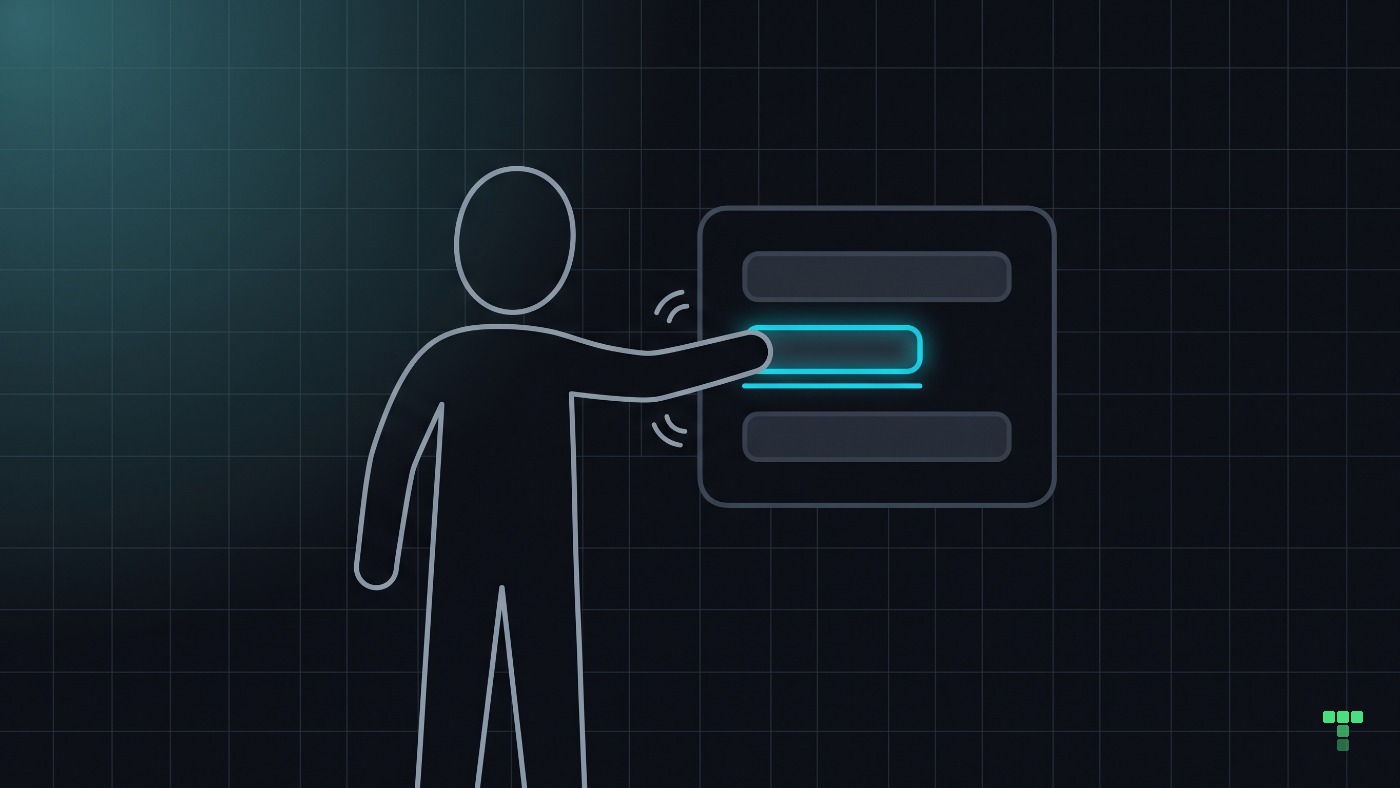
The nearest measurement is Nielsen Norman Group's 2017 eyetracking study of weak clickability signifiers. Across 71 users and nine pages built in two versions, the versions with faint cues took 22% more time and drew 25% more fixations. It measured the opposite failure, links that worked but did not look it. It still prices the thing that matters here: when cues cannot be relied on, people look longer and wider before they act.
So here is the argument, stated as an argument rather than a number.
Broken features get bug reports. Broken promises get silent churn.
A click on a dead element throws no error and files no ticket. The customer files a judgement about the product instead.
Session-replay tools see the trace of it. Microsoft Clarity, for one, marks a dead click when an element gets no feedback, and a rage click when someone clicks the same spot again and again. That report is the cheapest place to find your own false affordances.
Why treat a visual cue like an API contract?
Engineers already hold this discipline for APIs. If the docs say an endpoint returns JSON, it returns JSON, and changing that is a breaking change that gets versioned and announced. A visual cue is the same kind of promise, published to everyone who looks at the screen, and it deserves the same review.
One question in design review covers it: what does this design imply, not only what does it support? "Support" is what the handlers do. "Imply" is what the styling says they do. Your bug list is the difference between the two.
Diff your cues against your handlers
Open your pricing page or your busiest screen and list everything that wears a promise: link colour, underline, fill, shadow, chevron, pointer cursor, keycap. Press each one. Anything that does nothing is a false affordance, and the fix is to build the behaviour or remove the cue. In code, the quick version is a search for cursor-pointer, underline and your link colour class on anything that is not an a or a button.
Does UI an agent builds make more of these promises?
We have no count that says it does. The mechanism is easy to see, though. Code is cheap now: "make the plan names stand out" is one sentence to a coding agent, and the loudest tokens in reach are the link colour and the primary colour. Nothing in that request says those colours are promises.
So we wrote the promises down where an agent reads them before it styles anything, in the skills and the contract named in the table above. The pricing table in Grove shows what that produces (themes/grove/src/components/pricing-table.tsx). Each plan name is an h3 in the foreground ink, not the link colour; the cards are flat with a border; the one filled button belongs to the featured plan; and the monthly and yearly switch carries aria-pressed, so its state is announced as well as drawn.
Grove ships the rule along with the page: its own check-quality skill greps for text-primary underline, a link wearing the action colour, beside the other role mix-ups it refuses. An agent editing the theme later meets the same rule we did.
Do the old cues still count?
Conventions drift. Flat design removed most raised cues, underlines are no longer the only link signal, and a whole card that opens is a normal pattern now. The test is not whether a cue follows the 2010 rules. It is whether your customers read it correctly, which you find out by watching them, not by citing a convention.
Three limits on what this note argues. We have no measure of churn caused by false affordances; "silent churn" is the argument, not a statistic. The NN/g numbers are about cues that were too weak, not cues that lied. And our own rule is enforced by review rather than by machine: a check-affordance.ts script was considered in our 2026-08-22 review of these skills and rejected as brittle, because type-ahead and shared handlers have no literal key to match.