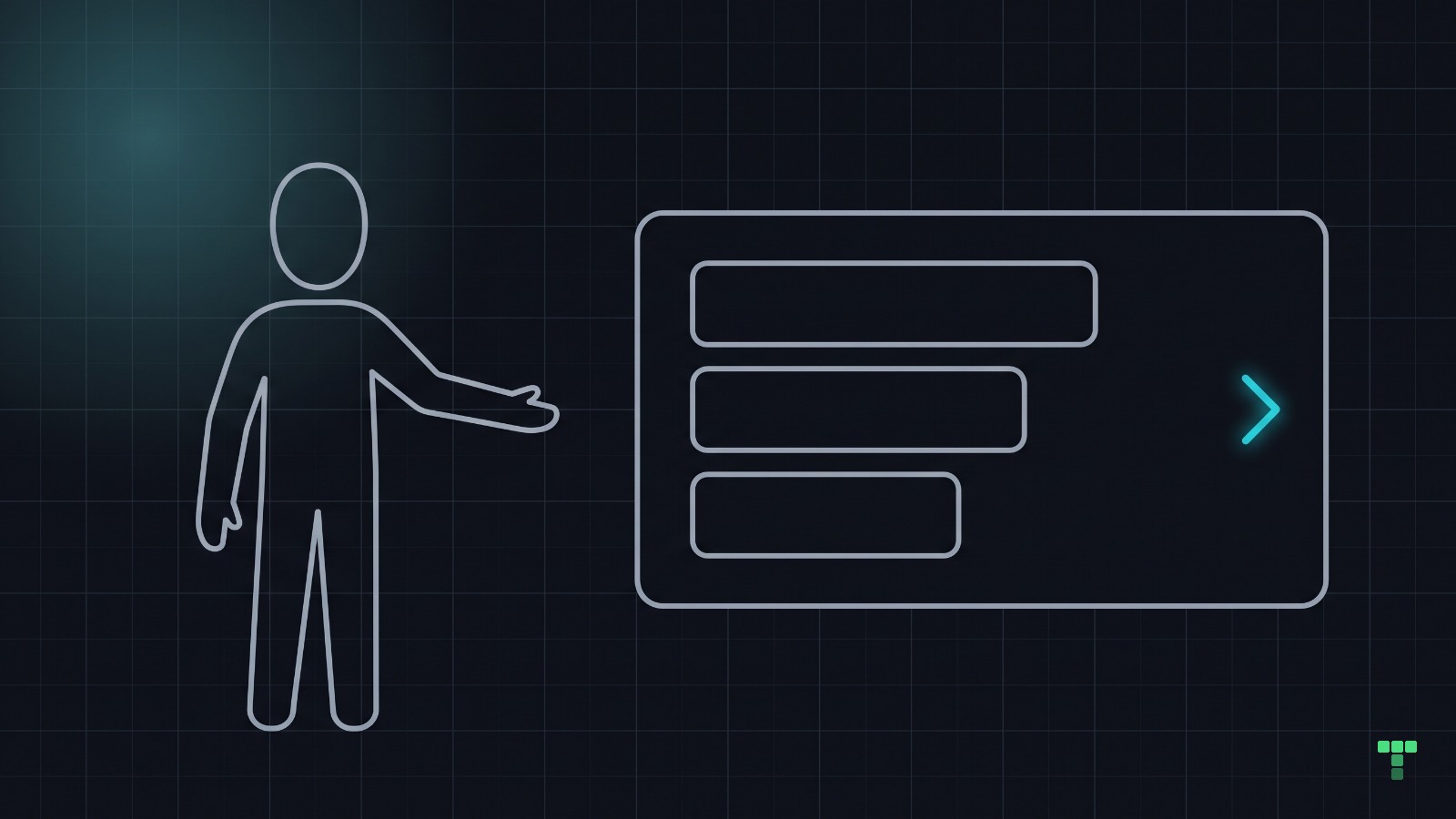
A card with a click handler on a div works in code and goes unfound on screen. Give it a signifier: a hover state, an arrow, or a visible label that says what opens. Build it as a real link stretched over the card, so a keyboard reaches it too. Then ask a new teammate to point at what they think is clickable.
Why does nobody find the clickable card?
Picture a project card on a dashboard. Your team knows the whole card opens the project, because the onClick is right there in the component. The customer sees a grey rectangle with text in it and goes looking for an Open button.
The interaction works. Nobody finds it. That gap is the thesis of this series: code is cheap now, and understanding is the bottleneck.
It is also a common shape in generated components. Ask an agent to make a card clickable and the shortest diff is a handler on the outer div, with nothing on screen changed. The code review passes, because the code is correct. What the person sees was never part of the review.
What is the difference between an affordance and a signifier?
An affordance is what a thing lets you do. A signifier is the clue that tells you it can. The card above has the affordance (it can be clicked) and is missing the signifier.
Don Norman drew that line in a 2008 column for ACM Interactions, "Signifiers, not affordances", and made it central to the 2013 revised edition of The Design of Everyday Things. His definition: "A 'signifier' is some sort of indicator, some signal in the physical or social world that can be interpreted meaningfully." The affordance can exist with no signal at all, and then for the person in front of it, it does not exist.
The cost of a weak signal has been measured. In a 2017 Nielsen Norman Group eyetracking study, Kate Moran tested 71 people on nine sites, each in a strong-signifier and a weak-signifier version. On the weak versions people spent 22% more time on the page and made 25% more fixations.
Which signal should a clickable card carry?
Usually one of three, and each tells the reader something different:
- A hover state says the card reacts, but only once a mouse arrives, and a phone has no hover.
- An arrow or chevron says the card goes somewhere, and it is visible at rest on every device.
- A visible label such as "Open project" or "Read the case" says exactly what happens next.
We read the whole-card links in our own code to see which ones we use. Five components, read from source on 17 October 2026:
| Component | Where | Hover | Arrow | Visible label | Ring on the whole card |
|---|---|---|---|---|---|
| Selected work row | Foundry (free) | background tint, label underlines | up-right | Read the case | yes |
| Article card | Grove | border step, press shade | right | none, reading time sits by the arrow | yes |
| Product card | Kiln | photo scales up | none | none, the product name is the link | yes |
| Programme card | Circuit | photo brightens, border step | none | none | yes |
| Theme card on the /templates shelves | tailthemes.com | border step, name turns green | none | none | yes |
Three of the five signal with hover alone, our own marketplace shelf among them. On a phone those three cards carry no signal beyond being cards. Foundry's arrow points up and to the right on purpose: that row leaves the page for the case entry, and the theme keeps a plain right arrow for links that stay.
Point at everything
Open one screen and ask a teammate who has never seen it to point at everything they think is clickable. Then list what is: run grep -rn "<div[^>]*onClick" src and add every link and button on that screen. Anything on your list and missing from theirs is your backlog.
How do you build a whole-card link a keyboard can reach?
A div with a click handler is not in the tab order, and it fails in four ways at once:
- Tab skips it.
- Enter does nothing, because nothing has focus.
- A screen reader does not announce it as a link.
- Middle-click and "copy link" have no address to work with.
WCAG 2.1.1 (Keyboard, level A) asks for every function to be operable from a keyboard, so this is a failure, not a style choice.
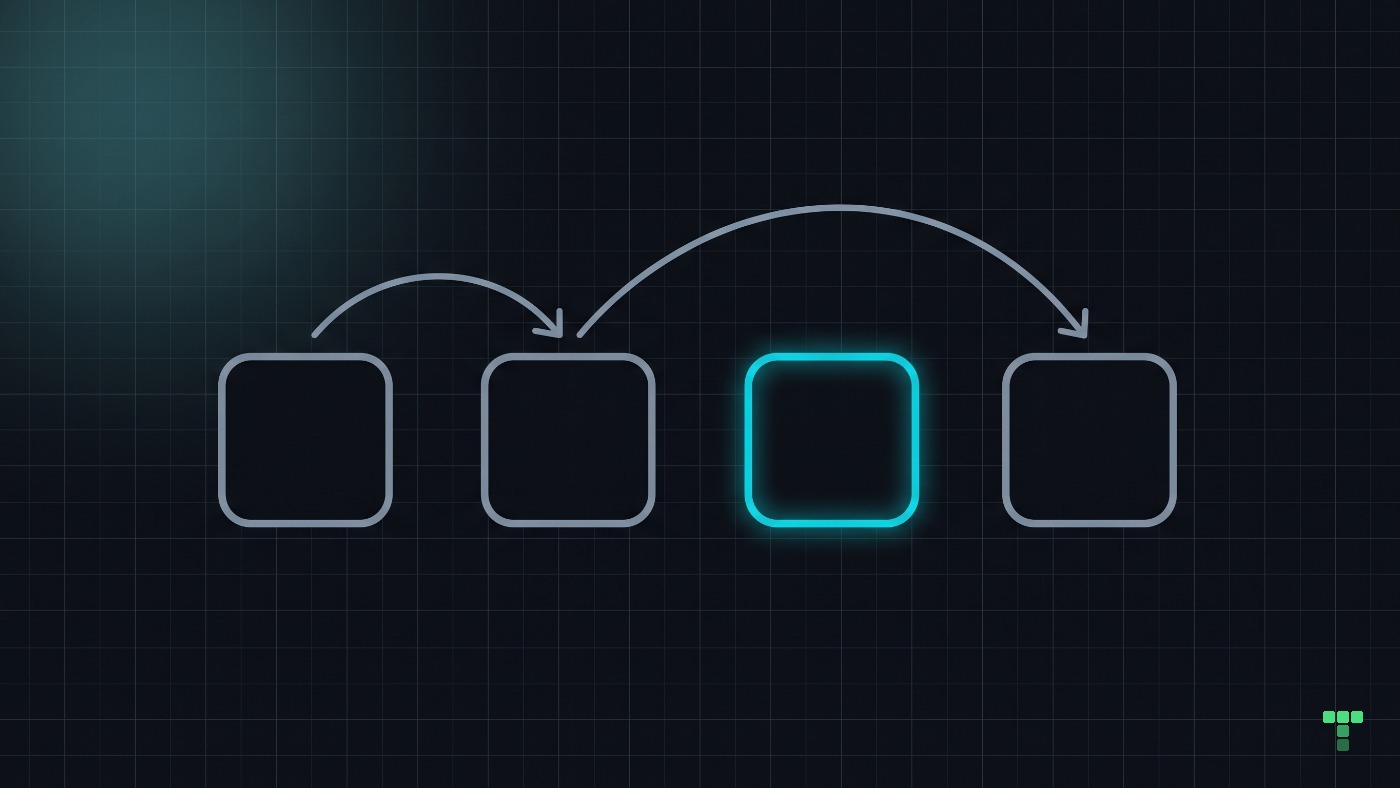
Wrapping the whole card in one <a> fixes the keyboard and creates two new problems. Heydon Pickering's Inclusive Components shows the first: every word in the card becomes the link's name, so a screen reader reads the card out in one breath. The second is HTML's own rule: a link cannot contain another link or button, so the card can never hold a second action.
The pattern our themes use puts a real link on the title and stretches it over the card with a pseudo-element. The card draws the ring when the link inside it has keyboard focus:
<article class="relative rounded-xl border border-border bg-card p-6 hover:bg-muted
  has-[a:focus-visible]:outline-2 has-[a:focus-visible]:outline-offset-2 has-[a:focus-visible]:outline-ring">
  <h3 class="font-semibold">
    <a href="/projects/atlas" class="focus-visible:outline-none after:absolute after:inset-0">
      Atlas redesign
    </a>
  </h3>
  <p class="text-muted-foreground">12 open tasks, due Friday</p>
  <p class="mt-4 text-sm font-medium text-primary">Open project <span aria-hidden="true">→</span></p>
</article>
The link's name stays "Atlas redesign", the whole card takes the click, and the label and arrow carry the signal. Any other button inside the card needs relative z-10 to sit above the stretched layer.
One Tailwind v4 trap sits here. If you put the ring on the link itself, outline-none on the same element sets the outline style to none, and a focus-visible:outline-2 beside it computes invisible. Add focus-visible:outline-solid. An August audit of our own catalog found four rings broken exactly this way.
When should a card stay quiet?
When it is not the main thing on the screen. However, don't decorate everything: if every card carries an arrow, a label and a lift, the signals cancel out and nothing stands out. Signal the primary action and keep the rest quiet.
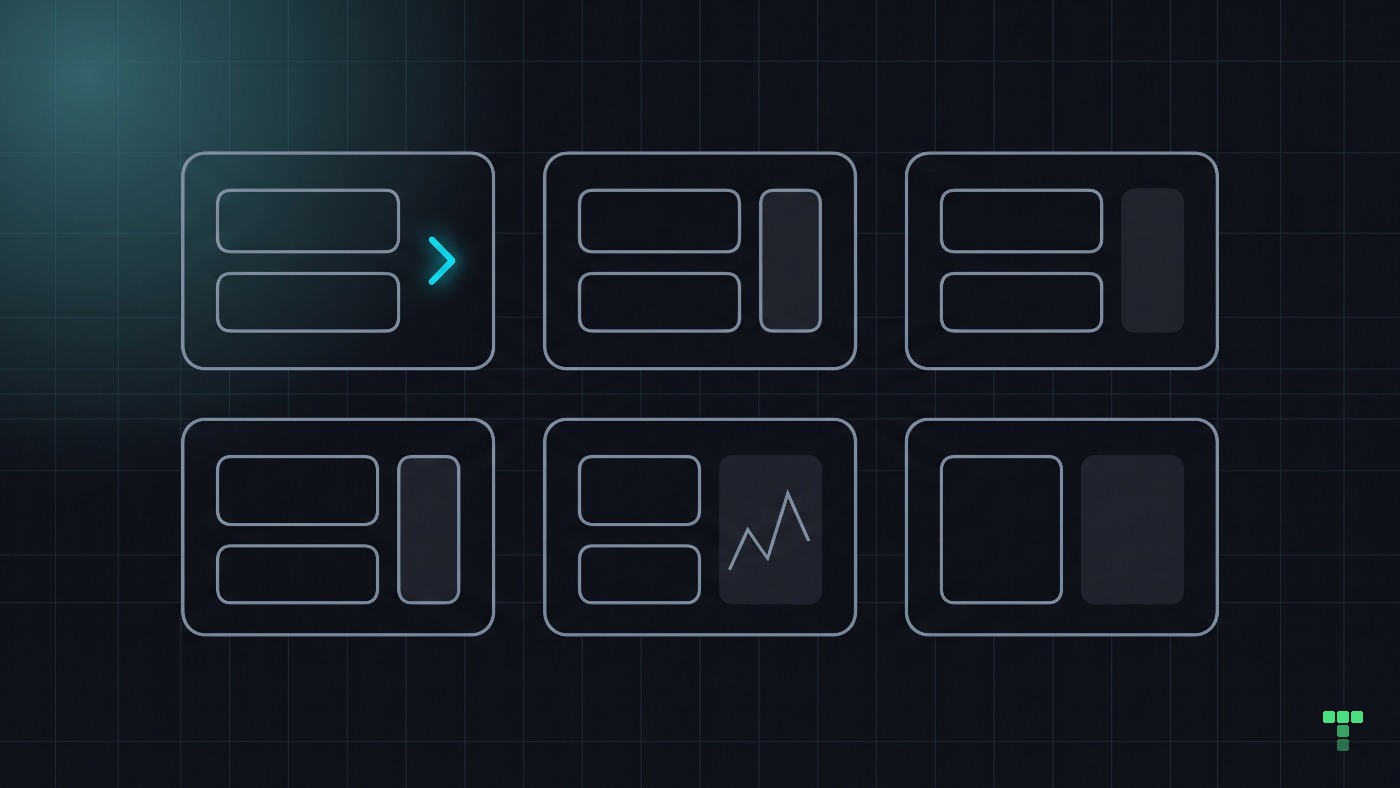
Convention works as a signifier too, the kind Norman's column calls social. A grid of product photos with prices under them reads as clickable in any shop, which is why Kiln can lean on hover alone and stay legible. A project card on an internal dashboard has no such convention to borrow, so it needs the arrow or the words.
If you want to see the full pattern in a theme, Grove's journal cards carry the arrow, the press state and the ring on the whole card, and Foundry, which is free, has the selected-work row with all three signals.
The table reads our code, not our customers. We have not measured whether the hover-only cards on our own shelves lose clicks, and the study above tested websites in general, not cards. The stretched link has a limit of its own: text inside the card can no longer be selected with a mouse drag, because the link's layer sits on top of it.